A TV with a picture that’s too dark can make movies, sports, and even everyday shows frustrating to watch. You might find yourself straining to see details during nighttime scenes, constantly adjusting the brightness, or wondering if something is wrong with your television. Fortunately, a dim picture doesn’t always mean your TV is failing.
Affiliate Disclaimer
This website participates in affiliate programs. We may earn a commission
when you purchase products through links on this page, at no additional
cost to you. Our recommendations are based on independent research and
honest opinions.
In many cases, the problem comes down to picture settings, room lighting, energy-saving features, or the content you’re watching. A few simple adjustments can often make a dramatic difference without spending any money. In this guide, you’ll learn why your TV looks too dark, how to adjust brightness and contrast correctly, and when it might be worth upgrading to a television that’s built for brighter, more vibrant viewing.
Why Does Your TV Look Too Dark?
A dark picture isn’t always caused by a hardware problem. Modern televisions use many different technologies to improve image quality, and sometimes those same features can make the screen appear dim under certain conditions.
One common reason is that your TV is using picture settings designed for watching movies in a dark room. Modes like Cinema, Movie, or Filmmaker Mode intentionally reduce brightness to create a more accurate image. While they work well at night, they often appear too dark during the day.
Room lighting also plays a major role. Bright sunlight entering through windows or strong overhead lights can make even a high-quality television seem dim because of reflections on the screen.
Energy-saving features are another common cause. Many TVs automatically lower screen brightness to reduce power consumption. While this saves electricity, it can noticeably affect picture quality, especially in bright rooms.
Finally, not all content is mastered the same way. HDR movies, streaming services, video games, and cable television all use different brightness levels, so some programs naturally appear darker than others.
Brightness vs. Contrast: What’s the Difference?
Many people increase the brightness setting when the real problem is contrast, or adjust contrast when brightness is actually too low.
Brightness controls how dark the darkest parts of the image appear. If it’s set too low, shadow details disappear, making dark scenes look almost completely black.
Contrast affects the brightest parts of the picture. If it’s set too high, bright areas can lose detail and appear washed out. If it’s too low, the image may look flat and lifeless.
The best picture usually comes from balancing both settings instead of maximizing either one.
Start With the Right Picture Mode
Before changing individual settings, switch your TV to a different picture mode.
Most televisions include several presets such as:
- Standard
- Movie
- Cinema
- Filmmaker Mode
- Dynamic or Vivid
- Game Mode
For bright living rooms, Standard or Custom usually provides a better balance between brightness and color accuracy.
If sunlight regularly fills the room, Dynamic or Vivid mode can make the picture easier to see, although colors may appear slightly exaggerated.
Movie lovers watching in a dark room often prefer Cinema or Filmmaker Mode because they produce a more natural image.
Testing these presets before manually adjusting settings can save a lot of time.
How to Adjust Brightness Correctly
If changing the picture mode doesn’t solve the problem, it’s time to adjust the brightness manually.
Increase the brightness gradually instead of moving it directly to the maximum setting. The goal isn’t to create the brightest image possible. It’s to reveal shadow detail without making blacks appear gray.
A good test scene is one with both dark and bright objects. You should be able to distinguish details in dark clothing, nighttime backgrounds, or shaded faces without making the overall image look washed out.
If you’re watching HDR content, remember that HDR is designed differently from standard video. Some HDR movies intentionally contain darker scenes to preserve cinematic realism.
Fine-tune the Contrast
Once brightness looks comfortable, adjust the contrast.
Raise it slowly until bright objects such as clouds, white clothing, or snow still retain visible detail. If those areas become solid white without texture, the contrast is probably set too high.
Proper contrast helps create a picture that feels more three-dimensional while maintaining detail across the entire screen.
Making small adjustments usually produces better results than making large changes all at once.
Disable Energy Saving Features
Many televisions include automatic brightness controls that change the picture depending on room lighting.
These features often appear under names like:
- Energy Saving
- Eco Mode
- Ambient Light Detection
- Intelligent Brightness
- Power Saving
While they’re useful for reducing electricity consumption, they can make your TV appear much darker than necessary.
If picture quality is your priority, try temporarily disabling these settings to see whether brightness improves.
Consider Your Room Lighting
Sometimes the television isn’t the problem at all.
A bright window directly opposite the TV creates reflections that make the screen appear darker than it actually is.
Closing curtains, adjusting blinds, or repositioning a lamp can significantly improve picture quality without changing any TV settings.
Some people also install soft bias lighting behind the television. This reduces eye strain while making the screen appear brighter without increasing brightness levels.
Keep Your TV Updated
Manufacturers occasionally release firmware updates that improve picture processing, HDR performance, and brightness handling.
Check your TV’s software settings every few months to ensure you’re running the latest version.
While updates won’t completely transform an older television, they can improve compatibility with newer streaming services and occasionally fix image quality issues.
When Settings Aren’t Enough
If you’ve adjusted the picture mode, brightness, contrast, and lighting but your TV still struggles in bright rooms, the limitation may simply be the hardware.
Older LED televisions often can’t produce the same brightness, HDR performance, or color accuracy as newer premium models. Even if the settings are perfect, they may never deliver the punchy image needed for rooms with lots of natural light.
That’s especially true if you frequently watch HDR movies, sports during the day, or play modern video games. In those situations, upgrading to a TV with a brighter panel, better HDR support, and improved image processing can make a noticeable difference.
The good news is that many of today’s OLED TVs are designed to overcome one of the biggest criticisms older OLED models faced: limited brightness in well-lit rooms.
OLED TVs That Deliver Brighter, More Vibrant Pictures
If you’ve already adjusted your TV’s settings and the picture still looks dim, the issue may simply be that your television can’t produce enough brightness for your room. That’s where newer OLED TVs have a clear advantage. Modern OLED panels are significantly brighter than previous generations while maintaining the deep blacks and rich colors the technology is known for.
If you’re thinking about upgrading, here are two excellent options that perform especially well in bright environments.
1
Sony BRAVIA XR A95L QD-OLED 4K Smart TV

If picture quality is your top priority, the Sony BRAVIA XR A95L QD-OLED 4K Smart TV is one of the best televisions available today.
Its QD-OLED panel combines OLED’s perfect black levels with Quantum Dot technology to produce exceptional brightness and vibrant color. This makes HDR movies, sports broadcasts, and streaming content look more lifelike, especially in rooms where traditional OLED TVs sometimes struggle.
Sony’s Cognitive Processor XR continuously analyzes the image to improve contrast, color accuracy, and detail. Combined with Dolby Vision HDR, the television delivers excellent shadow detail while still producing bright highlights that stand out without looking artificial.
It’s also an outstanding option for gamers. Exclusive PlayStation 5 features, low input lag, HDMI 2.1 support, and smooth motion handling make it well suited for modern gaming consoles.
Running Google TV, the A95L provides easy access to popular streaming apps, voice controls, and personalized recommendations. Available in multiple screen sizes, it’s an excellent long-term investment for anyone who wants premium picture quality in both bright and dark rooms.
2
Samsung OLED S90F 4K Smart TV
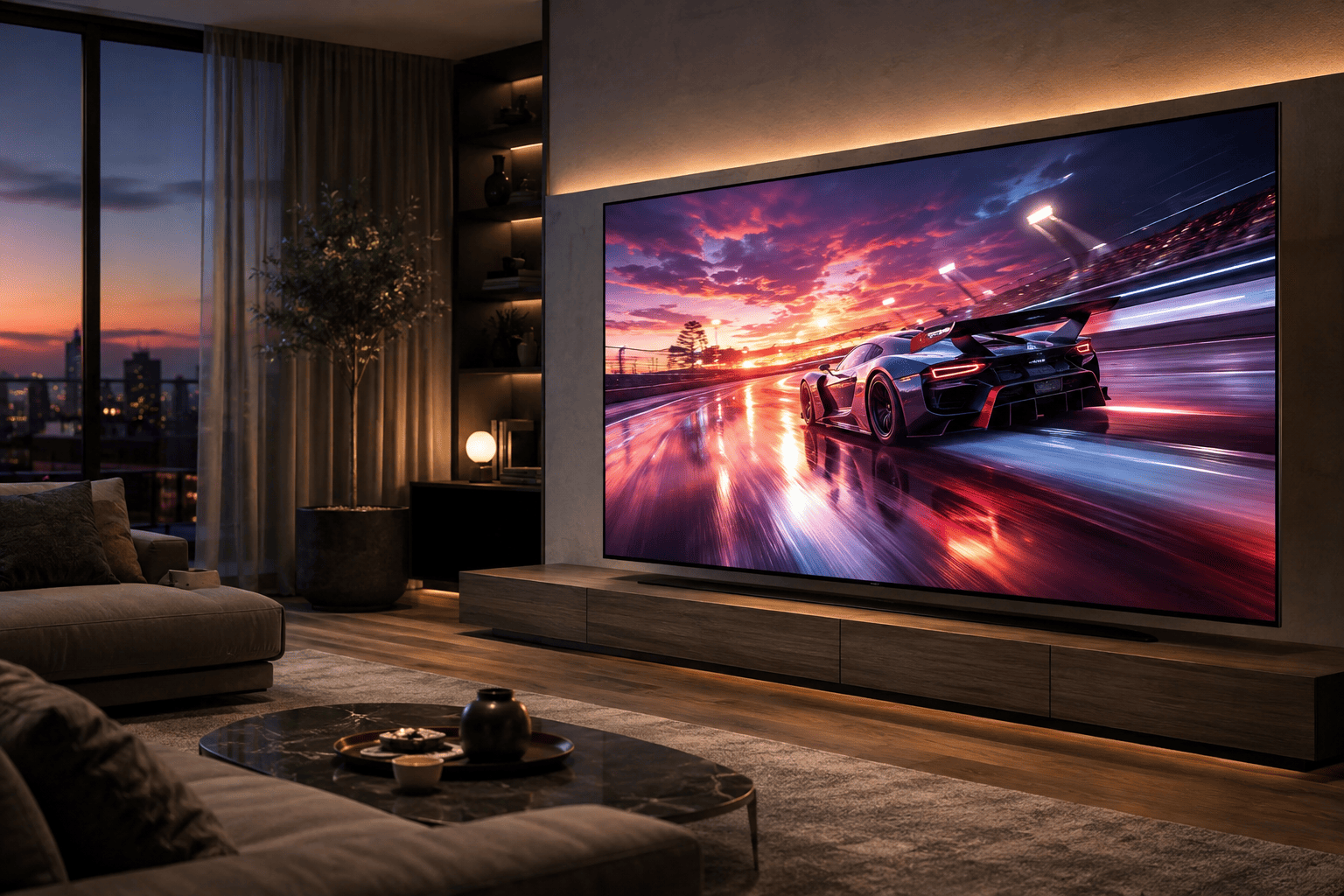
If you’re looking for a television that combines high brightness with impressive gaming performance, the Samsung OLED S90F 4K Smart TV is another excellent choice.
Powered by Samsung’s NQ4 AI Gen3 Processor, this TV intelligently enhances lower-resolution content while improving sharpness and overall image clarity. Whether you’re watching cable television or streaming 4K movies, the picture remains crisp and detailed.
One of its standout features is OLED HDR+, which helps produce bright highlights without sacrificing the deep blacks OLED displays are famous for. Combined with Samsung’s advanced image processing, the result is a picture that’s bright enough for daytime viewing while still delivering impressive contrast during darker scenes.
Gamers will also appreciate the Motion Xcelerator 144Hz refresh rate, making fast-paced games appear smoother and more responsive. Features like HDMI 2.1 support and built-in Alexa further add to its everyday convenience.
Available in several screen sizes, the S90F is an excellent option for anyone who wants a bright, modern OLED TV that performs equally well for movies, sports, and gaming.
What to Look for in a Bright TV
If you’re shopping for a television because your current one always seems too dark, a few features deserve extra attention.
Start with overall brightness performance. TVs capable of producing higher peak brightness generally perform much better in rooms with large windows or strong daytime lighting.
HDR support is equally important. Formats like Dolby Vision and HDR10+ allow compatible content to display brighter highlights and improved contrast, creating a more realistic image.
Picture processing also makes a noticeable difference. Advanced processors improve contrast, sharpen details, and help older or lower-resolution content look better on modern displays.
If you enjoy gaming, look for HDMI 2.1 ports, high refresh rates, and low input lag. These features won’t directly affect brightness, but they greatly improve the overall experience.
Finally, consider your room. A smaller television with excellent brightness often provides a better viewing experience than a much larger TV that struggles to overcome ambient light.
Final Thoughts
A television with a dark picture doesn’t always need to be replaced. In many cases, choosing a different picture mode, adjusting brightness and contrast correctly, disabling energy-saving features, and improving your room lighting can dramatically improve image quality.
However, if your TV still looks dim after trying every adjustment, it may simply lack the brightness needed for today’s HDR content and well-lit living spaces. That’s when upgrading becomes worthwhile.
If you’re looking for one of the best picture quality experiences available, the Sony BRAVIA XR A95L QD-OLED delivers exceptional brightness, stunning HDR performance, and premium features for both movie lovers and gamers. If you want a television that combines strong brightness with excellent gaming capabilities and AI-powered image processing, the Samsung OLED S90F is another outstanding choice.
Before spending money on a new TV, try the settings in this guide. If they don’t solve the problem, investing in a brighter modern OLED television can completely transform the way your favorite movies, games, and TV shows look every day.