A soundbar is one of the easiest ways to improve your TV’s audio. Even an affordable soundbar can deliver clearer dialogue, fuller sound, and better bass than the small speakers built into most modern televisions. The challenge isn’t usually buying one. It’s figuring out the best way to connect it.
Affiliate Disclaimer
This website participates in affiliate programs. We may earn a commission
when you purchase products through links on this page, at no additional
cost to you. Our recommendations are based on independent research and
honest opinions.
The good news is that connecting a soundbar is simpler than it looks. Most TVs support at least one of three common connection methods: HDMI ARC, optical audio, or Bluetooth. In this guide, you’ll learn how each option works, when to use it, and how to troubleshoot common connection problems so you can enjoy better sound in just a few minutes.
Which Soundbar Connection Is Best?
Not every connection provides the same experience.
If your TV supports HDMI ARC or eARC, that’s usually the best choice. It carries high-quality audio through a single cable while allowing your TV remote to control the soundbar’s volume. It also reduces cable clutter behind your entertainment center.
An optical cable is another excellent option, especially for older televisions that don’t support HDMI ARC. It delivers reliable digital audio, although it doesn’t offer the same level of device control.
Bluetooth is the easiest setup because it doesn’t require any cables. However, it may introduce slight audio delays, making it less ideal for movies, gaming, or sports where perfectly synchronized sound matters.
For most people, the order of preference is simple:
- HDMI ARC or eARC
- Optical
- Bluetooth
Before You Connect Your Soundbar
Taking a few minutes to check your equipment can save a lot of frustration later.
Look at the back or side of your TV and identify the available audio ports. Most modern TVs include labels such as:
- HDMI ARC
- HDMI eARC
- Optical
- Digital Audio Out
- AUX or Headphone Jack
Next, check your soundbar’s available inputs. Many models support several connection methods, giving you flexibility depending on your television.
It’s also helpful to update your TV’s software before connecting new audio equipment. Firmware updates occasionally improve HDMI compatibility and fix audio-related bugs.
Method 1: Connect Using HDMI ARC
For most households, HDMI ARC is the easiest and best option.
Start by connecting a high-speed HDMI cable to the port labeled HDMI ARC or eARC on your television.
Connect the other end to the matching HDMI ARC port on your soundbar.
Turn on both devices and open your TV’s audio settings. Select HDMI ARC or External Speaker as the audio output.
Many TVs automatically detect the soundbar within a few seconds. Once connected, your TV remote will often control the soundbar’s volume without any additional setup.
Besides reducing cable clutter, HDMI ARC also supports higher quality audio formats than many older connection methods.
Method 2: Connect Using an Optical Cable
If your TV doesn’t include HDMI ARC, an optical connection is usually the next best choice.
Connect one end of the optical cable to your TV’s Optical Out or Digital Audio Out port.
Connect the other end to the optical input on your soundbar.
After turning everything on, open the TV’s sound settings and choose Optical or Digital Audio Output.
Most televisions allow you to select either PCM or Bitstream audio output. If you’re unsure which to choose, PCM generally provides the widest compatibility with basic soundbars.
While optical doesn’t support TV remote volume control on every model, it still delivers excellent digital sound quality for movies, streaming, and everyday television.
Method 3: Connect Using Bluetooth
Bluetooth is perfect when running cables isn’t practical.
Place your soundbar into pairing mode according to its user manual.
Open your TV’s Bluetooth settings and search for available devices.
Select your soundbar from the list and complete the pairing process.
Once connected, your television will send audio wirelessly to the soundbar.
Bluetooth works well for casual TV watching, music streaming, and smaller rooms. However, depending on your TV and soundbar, slight audio delay can occasionally occur during movies or gaming.
What If Your TV Doesn’t Support HDMI ARC?
Don’t worry if your television is a few years old.
Many older TVs still include an optical audio output, which provides excellent sound quality.
If your TV only has a headphone jack or AUX output, some soundbars also support analog connections.
Even older televisions without smart features can usually work with modern soundbars using one of these connection methods.
Common Soundbar Connection Problems
Sometimes the connection is correct, but the sound still doesn’t work as expected.
One common issue is selecting the wrong audio output on the television. Even after connecting the cable, many TVs continue using their built-in speakers until you manually switch the output device.
Loose HDMI or optical cables are another frequent cause of audio problems. Double-check that every connection is fully seated.
If you’re using HDMI ARC, verify that CEC is enabled in your TV settings. Different manufacturers use different names for this feature, such as Anynet+, Bravia Sync, Simplink, or VIERA Link.
Bluetooth users occasionally experience pairing issues. Restarting both the TV and soundbar before pairing again usually resolves the problem.
When It Makes Sense to Upgrade Your Soundbar
If your current soundbar lacks HDMI ARC, frequently disconnects, or simply doesn’t produce the sound quality you’re looking for, upgrading can noticeably improve your home entertainment experience.
Modern soundbars don’t just offer better speakers. Many include multiple connection options, automatic volume adjustment, Bluetooth streaming, customizable sound modes, and easier installation.
Choosing a soundbar that supports HDMI ARC, optical input, Bluetooth, and AUX ensures it’ll remain compatible even if you upgrade your TV in the future.
Recommended Soundbars
If you’re buying a new soundbar, it’s worth choosing one that supports multiple connection methods. That way, whether your TV has HDMI ARC, optical audio, Bluetooth, or AUX, you’ll have a simple setup without needing extra adapters.
Here are two affordable soundbars that offer excellent compatibility for most home entertainment systems.
1
Sound Bar for Smart TV with Bluetooth, HDMI ARC, Optical, and AUX
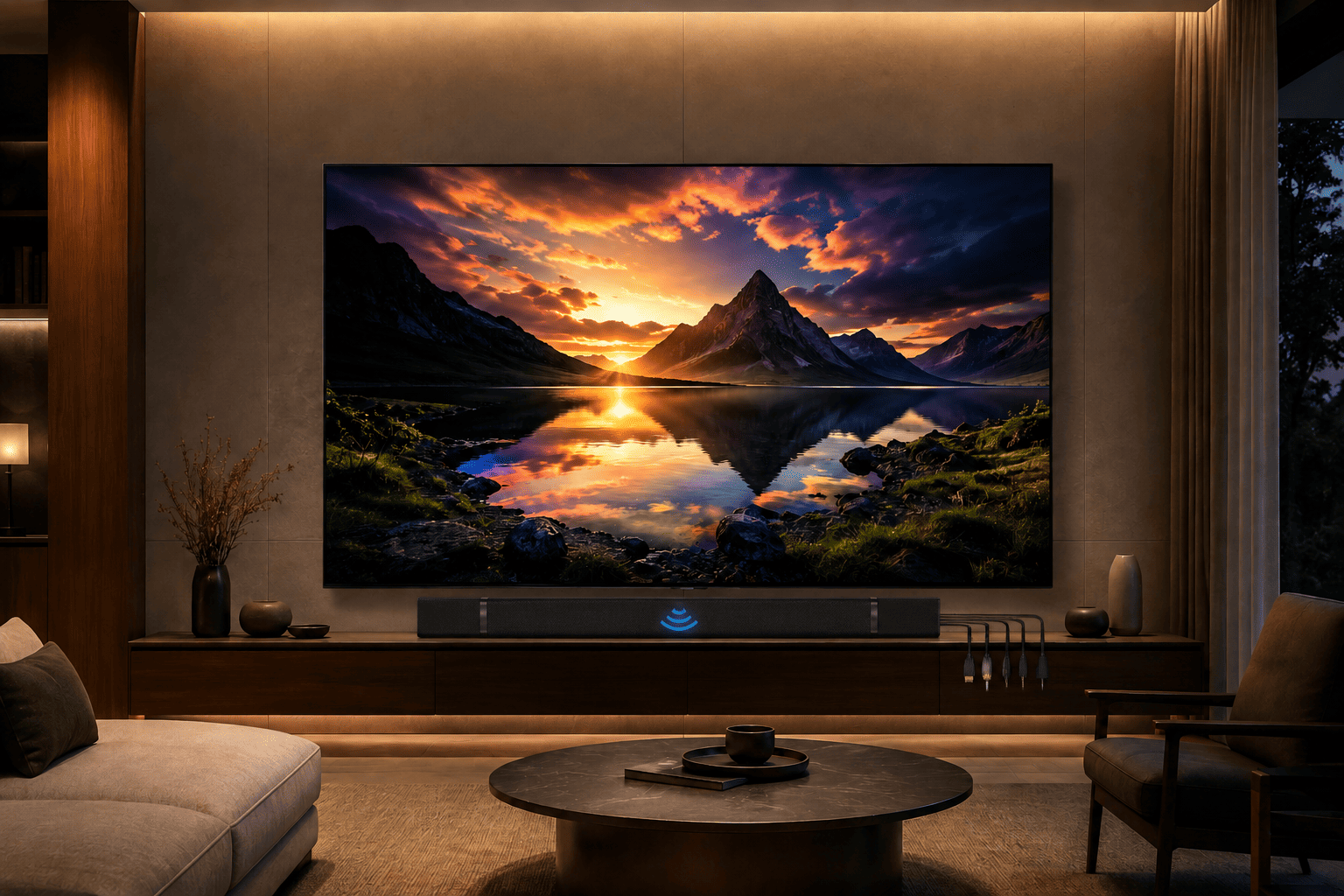
If you want a soundbar that works with almost any television, the Sound Bar for Smart TV is an excellent all-around choice.
Its biggest advantage is flexibility. It supports HDMI ARC, Optical, Bluetooth, and AUX, allowing it to connect with both modern smart TVs and older televisions. If you upgrade your TV later, there’s a good chance this soundbar will continue working without any issues.
The detachable 2-in-1 design is another nice feature. You can use it as a traditional horizontal soundbar beneath your TV or separate the speakers for a different layout, depending on your entertainment setup.
It also includes Auto Volume Boost, which helps make dialogue easier to hear without constantly reaching for the remote. Whether you’re watching movies, news, or streaming shows, voices remain clearer even during quieter scenes.
Three built-in equalizer modes let you adjust the sound for movies, music, or everyday television, giving you more control over your listening experience.
At around $49.99, it offers an impressive combination of connectivity, flexibility, and everyday performance, making it a strong choice for most living rooms.
2
RIOWOIS 17 Inch Sound Bar

If you’re working with a tighter budget or need a compact soundbar for a smaller room, the RIOWOIS 17 Inch Sound Bar delivers solid performance without taking up much space.
Despite its compact size, it supports Optical, AUX, and Bluetooth 5.3, making it compatible with many televisions, projectors, and streaming devices. Bluetooth 5.3 also provides a stable wireless connection for streaming music from your phone or tablet.
The built-in Bass Reflex Port helps produce fuller, richer sound than you might expect from a smaller soundbar, improving everything from movie dialogue to background music.
One particularly convenient feature is compatibility with Fire TV remotes, allowing easier day-to-day control if you’re already using Amazon’s streaming ecosystem.
Its wall-mountable design also makes it a great option for bedrooms, offices, dorm rooms, or smaller entertainment spaces where saving space matters.
At around $28.89, it’s one of the most affordable ways to noticeably improve your TV’s built-in audio without investing in a full home theater system.
What to Look for When Buying a Soundbar
Not every soundbar offers the same features, so it’s worth thinking about how you’ll use it before making a purchase.
Connection options should be your first consideration. A soundbar that includes HDMI ARC, Optical, Bluetooth, and AUX provides the greatest flexibility and is more likely to work with future TVs as well.
Sound modes are another useful feature. Dedicated settings for movies, music, and dialogue allow you to tailor the audio depending on what you’re watching.
If your TV sits in a smaller room, a compact soundbar may provide all the sound you need. Larger living rooms often benefit from wider soundbars or models with stronger bass performance.
Wall mounting support can also make installation easier while creating a cleaner entertainment setup.
Finally, pay attention to ease of use. Features like automatic volume adjustment, Bluetooth pairing, and simple remote compatibility make everyday operation much more enjoyable.
Final Thoughts
Connecting a soundbar doesn’t have to be complicated. Whether your TV supports HDMI ARC, Optical, or Bluetooth, most modern soundbars can be connected in just a few minutes with minimal setup.
If your television includes HDMI ARC, that’s generally the best option because it delivers high-quality audio while allowing your TV remote to control the soundbar. Optical connections remain an excellent alternative for older TVs, while Bluetooth offers convenient wireless audio when running cables isn’t practical.
If you’re shopping for a versatile soundbar that supports nearly every connection type, the Sound Bar for Smart TV with HDMI ARC, Optical, Bluetooth, and AUX is an excellent choice for most households. If you’re looking for a smaller and more budget-friendly option, the RIOWOIS 17 Inch Sound Bar delivers impressive value while still offering multiple connection methods and solid everyday performance.
Whichever model you choose, upgrading from your TV’s built-in speakers is one of the simplest ways to improve movie nights, gaming sessions, sports broadcasts, and everyday streaming. Better sound makes every viewing experience more enjoyable, and with today’s easy connection options, getting started is easier than ever.