Modern laptops keep getting thinner, but they also keep losing ports. If you’ve ever had to unplug your external drive just to connect a flash drive or wished your laptop had an HDMI port for a second monitor, you already know how useful a good USB hub can be.
Affiliate Disclaimer
This website participates in affiliate programs. We may earn a commission
when you purchase products through links on this page, at no additional
cost to you. Our recommendations are based on independent research and
honest opinions.
The good news is that you don’t need to spend a fortune. Whether you’re working from home, traveling with a MacBook, editing photos, or simply connecting more accessories to your laptop, there’s a USB hub that fits your setup. Some focus on extra USB ports, others add HDMI, SD card readers, Ethernet, or fast charging—all through a single USB-C connection.
After comparing today’s best options, I’ve picked five USB hubs that stand out for different reasons. Some are perfect for everyday office work, while others are better if you have lots of external drives, multiple displays, or power-hungry devices.
Quick Comparison: Best USB Hubs and Docking Stations for Laptops
| Product | Best For | Main Features | Approx. Price |
|---|---|---|---|
| intpw 9-Port Powered USB 3.2 Hub | Best Overall | 9 Ports, 10Gbps, PD Charging | ~$46 |
| UGREEN Revodok Pro 6-in-1 USB-C Hub | Best Value | HDMI, 10Gbps, 100W PD | ~$16 |
| UGREEN 5-in-1 USB-C Hub | Best Budget | HDMI, USB-A, 100W PD | ~$12 |
| Wenter 11-Port Powered USB Hub | Best for Many Devices | 11 Ports, Individual Switches | ~$35 |
| intpw P9 USB-C Multiport Hub | Best for Creators | HDMI, SD/TF Reader, 100W PD | ~$28 |
My Top Recommendation
If I had to recommend just one USB hub for most people, I’d go with the intpw 9-Port Powered USB 3.2 Hub. It offers an excellent mix of fast 10Gbps data transfer, multiple USB-A and USB-C ports, dedicated Power Delivery charging, and its own power adapter, so you don’t have to worry about running out of power when several devices are connected at once.
That said, if you travel a lot and only need HDMI plus a few USB ports, one of the UGREEN hubs will save you money and take up much less space in your laptop bag.
1
Intpw 9-Port Powered USB 3.2 Hub Review: Best Overall
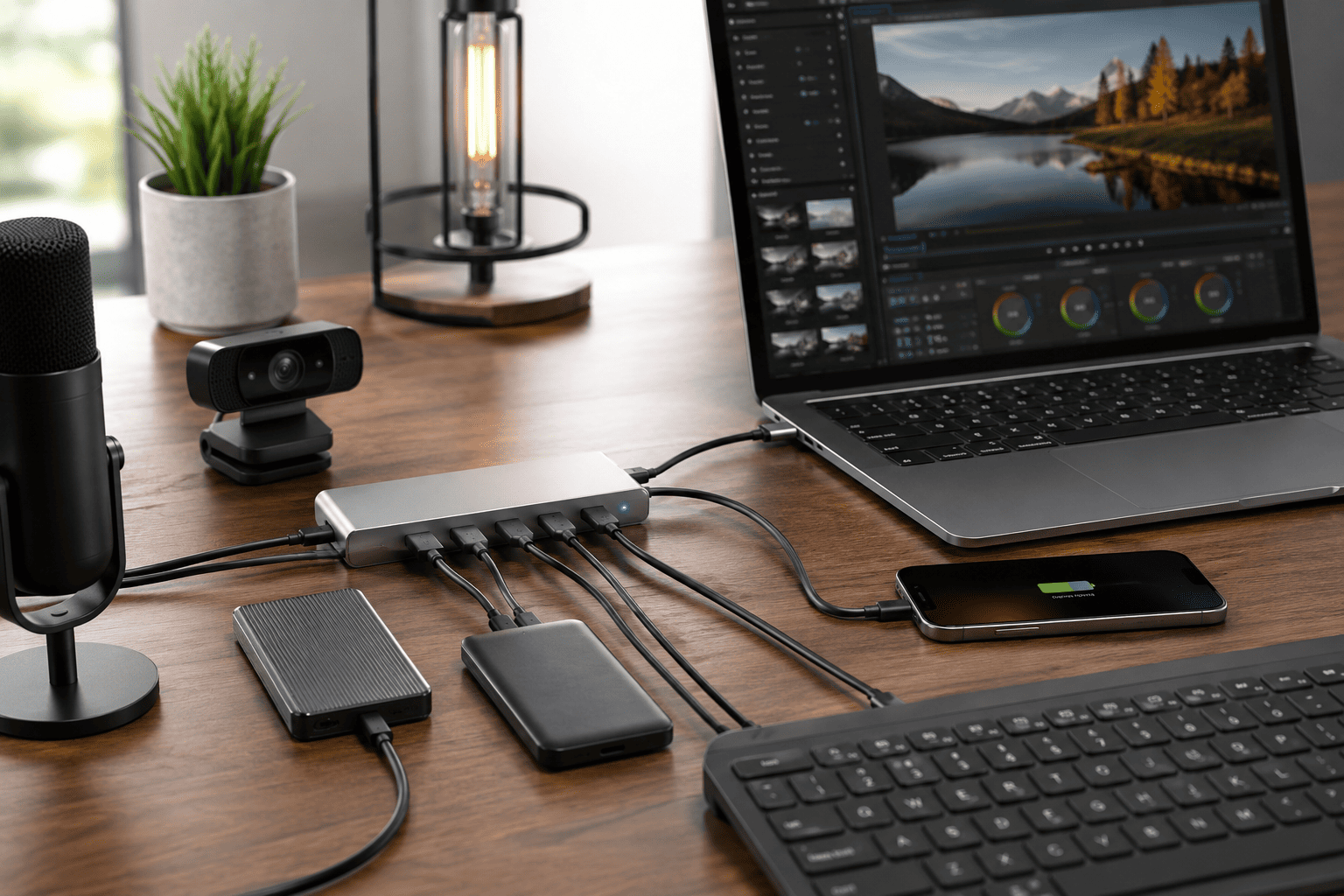
If you’re constantly running out of USB ports, the intpw 9-Port Powered USB 3.2 Hub is easily one of the most complete options available. Selling for around $46, it’s more than a simple USB splitter. It becomes the central connection point for your entire workspace.
Because it comes with its own 65W power adapter, you can connect external SSDs, portable hard drives, webcams, microphones, keyboards, and other accessories without worrying about unstable power delivery. That’s something many cheaper USB hubs simply can’t offer.
Highlights
- 9 total ports
- USB 3.2 Gen 2 with speeds up to 10Gbps
- USB-A and USB-C ports
- Dual PD charging ports up to 45W
- Includes 65W external power adapter
- Premium aluminum construction
- 3.3-foot cable for flexible placement
The 10Gbps transfer speed is especially useful if you regularly move large video files or photo libraries between external SSDs. Waiting for transfers becomes much less of an issue.
If you work from a permanent desk with multiple accessories plugged in every day, this is the hub I’d recommend first.
2
UGREEN Revodok Pro 6-in-1 Review: Best Value USB-C Hub
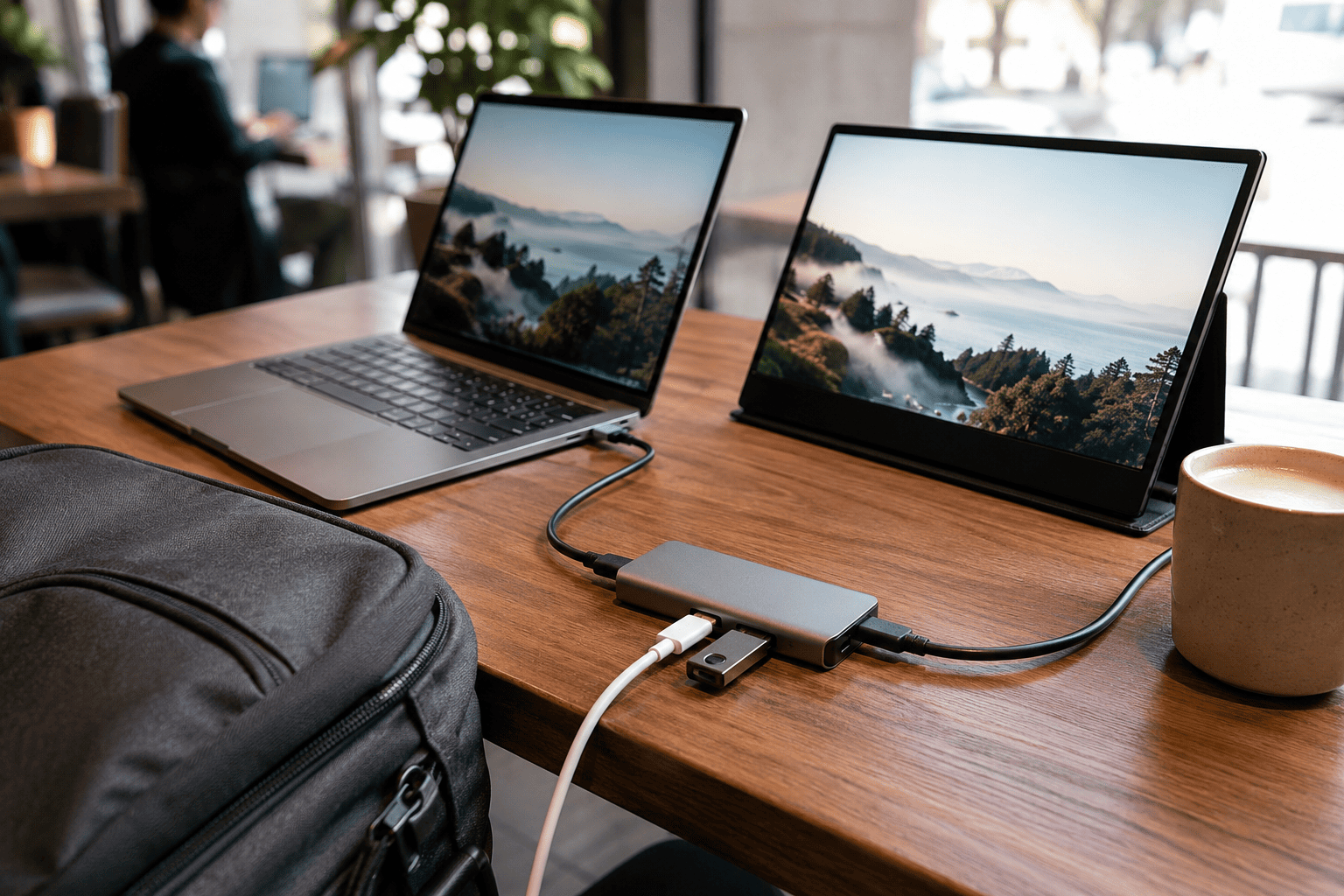
If you’re using a MacBook, ultrabook, or USB-C laptop and just want the essential ports without spending much money, the UGREEN Revodok Pro 6-in-1 USB-C Hub is an outstanding value. At roughly $16, it’s hard to find another hub with this combination of speed and features.
Despite its compact size, it still includes HDMI output, fast USB ports, and 100W Power Delivery pass-through charging. That means you can charge your laptop while using an external monitor and connecting accessories at the same time.
Why I Like It
- 6-in-1 design
- HDMI supports 4K at 60Hz
- 10Gbps USB data transfer
- 100W Power Delivery passthrough
- Compact travel-friendly design
- Works with MacBook, Windows laptops, iPad Pro, and more
This is the kind of hub I’d throw into my backpack every day. It barely takes up any room, yet it solves almost every port problem you’ll run into while traveling or working remotely.
If portability matters just as much as functionality, this UGREEN hub is one of the easiest recommendations in this price range.
3
UGREEN 5-in-1 USB-C Hub Review: Best Budget Choice

You don’t always need a large docking station packed with every possible port. If your main goal is adding a few extra connections without spending much money, the UGREEN 5-in-1 USB-C Hub is one of the easiest recommendations on this list. At only around $12, it delivers features that used to cost two or three times as much.
It’s a simple plug-and-play hub that works well for students, remote workers, and anyone carrying a lightweight laptop with only one or two USB-C ports. Even though it’s inexpensive, it still includes HDMI output and Power Delivery charging, making it surprisingly capable.
Highlights
- 5-in-1 USB-C hub
- 4K HDMI output
- Three USB-A data ports
- 100W Power Delivery passthrough
- Compact aluminum body
- Works with MacBook, Windows laptops, iPad Pro, XPS, ThinkPad, and more
For everyday office work, presentations, web browsing, and connecting a keyboard, mouse, and external drive, this hub does everything most people need. It’s also small enough to leave in your laptop sleeve without noticing the extra weight.
If you’re shopping on a tight budget, it’s hard to beat the value this UGREEN hub offers.
4
Wenter 11-Port Powered USB Hub Review: Best for Desktop Setups

Some people don’t just need a few extra ports—they need a lot of them. If your desk is covered with USB devices, the Wenter 11-Port Powered USB Hub is built exactly for that kind of setup.
Selling for about $35, it provides ten USB 3.0 ports plus an additional smart charging port. More importantly, every USB port has its own LED power switch, which is something I wish more powered hubs included.
Why It Stands Out
- 11 total ports
- Ten USB 3.0 data ports
- Dedicated smart charging port
- Individual on/off switches
- External power adapter included
- LED status indicators
Those individual switches are incredibly useful. Instead of unplugging a printer, webcam, or external drive, you can simply turn that port off with one click. It helps reduce cable clutter and gives you much better control over connected devices.
For photographers, content creators, IT professionals, or anyone with multiple USB accessories connected all day, this hub can make your workspace much more organized.
5
Intpw P9 USB-C Hub Review: Best for Content Creators

If your workflow involves cameras, memory cards, external displays, and portable SSDs, you’ll appreciate the flexibility of the intpw P9 USB-C Hub. At around $28, it combines the most commonly used ports into one compact adapter that’s easy to carry anywhere.
Unlike basic USB hubs, this one includes SD and microSD card readers, making it especially useful for photographers, drone pilots, and video creators who regularly transfer files from cameras.
Key Features
- 4K 60Hz HDMI output
- 100W Power Delivery
- USB-C port
- Two USB 3.0 ports
- Two USB 2.0 ports
- SD and TF card readers
- Aluminum construction
Having the memory card readers built into the hub means one less accessory to carry. I also like that it includes both fast USB 3.0 ports for storage devices and USB 2.0 ports for peripherals like keyboards or wireless mouse receivers.
If you edit photos, shoot videos, or simply need a hub that handles a little bit of everything, this is one of the most practical choices in this guide.
Final Recommendation
Each USB hub on this list serves a different type of user, so the best choice depends on your setup.
- Choose the intpw 9-Port Powered USB 3.2 Hub if you want the best overall combination of ports, charging capability, and high-speed data transfer for a permanent workstation.
- Pick the UGREEN Revodok Pro 6-in-1 if you travel frequently and want excellent performance in a compact, affordable hub.
- Go with the UGREEN 5-in-1 USB-C Hub if you’re looking for the best budget-friendly option that still includes HDMI and Power Delivery.
- Buy the Wenter 11-Port Powered USB Hub if your desk is packed with USB devices and you want the convenience of dedicated on/off switches for each port.
- Choose the intpw P9 USB-C Hub if you’re a photographer, content creator, or anyone who regularly works with cameras and memory cards.
Conclusion
A good USB hub can completely change the way you use your laptop. Instead of constantly unplugging devices or searching for adapters, everything stays connected and ready to use. It’s one of those accessories you don’t think much about until you’ve lived with a good one.
For most people, I’d recommend the intpw 9-Port Powered USB 3.2 Hub because it offers the best balance of speed, versatility, charging capability, and room to grow. If portability or budget is more important, though, the UGREEN models are excellent alternatives. The best USB hub is simply the one that matches your workflow, and any of the picks in this guide will make your laptop far more capable.