Working from home doesn’t mean yo u need to spend $1,000 or more on a laptop. If your day mostly involves Zoom meetings, Google Docs, Microsoft Office, web browsing, emails, and a few dozen browser tabs, there are plenty of affordable laptops that can handle those tasks without breaking your budget.
Affiliate Disclaimer
This website participates in affiliate programs. We may earn a commission
when you purchase products through links on this page, at no additional
cost to you. Our recommendations are based on independent research and
honest opinions.
The trick is knowing where to spend your money. Some budget laptops cut too many corners with slow storage or outdated processors, while others offer surprisingly good performance for well under $500. After comparing today’s best options, I’ve picked five laptops that provide the best balance of performance, display quality, battery life, and overall value for remote work.
Quick Comparison: Best Budget Laptops for Working From Home Under $500
| Product | Best For | Processor | Approx. Price |
|---|---|---|---|
| ASUS Vivobook Go 15 Ryzen 5 | Best Overall | Ryzen 5 7520U | ~$419 |
| ASUS Vivobook Go 15 Ryzen 3 | Best Value | Ryzen 3 7320U | ~$401 |
| Lenovo IdeaPad 3i Chromebook | Best Chromebook | Intel Celeron N4500 | ~$285 |
| MAXVELTH 15.6-inch Laptop | Best Budget Windows Laptop | Pentium Gold 6500Y | ~$239 |
| 2026 Windows 11 Pro Laptop | Best Ready-to-Use Package | Intel Pentium | ~$300 |
My Top Recommendation
If you’re shopping with a budget of $500, I’d put my money on the ASUS Vivobook Go 15 with the Ryzen 5 processor. It has the fastest CPU in this roundup, a roomy 512GB SSD, Windows 11, and enough power to stay responsive even after several years of daily use.
If your work happens almost entirely inside Chrome, Gmail, Google Docs, and Zoom, though, the Lenovo Chromebook is a much cheaper option that still gets the job done surprisingly well.
1
ASUS Vivobook Go 15 Ryzen 5 Review: Best Overall
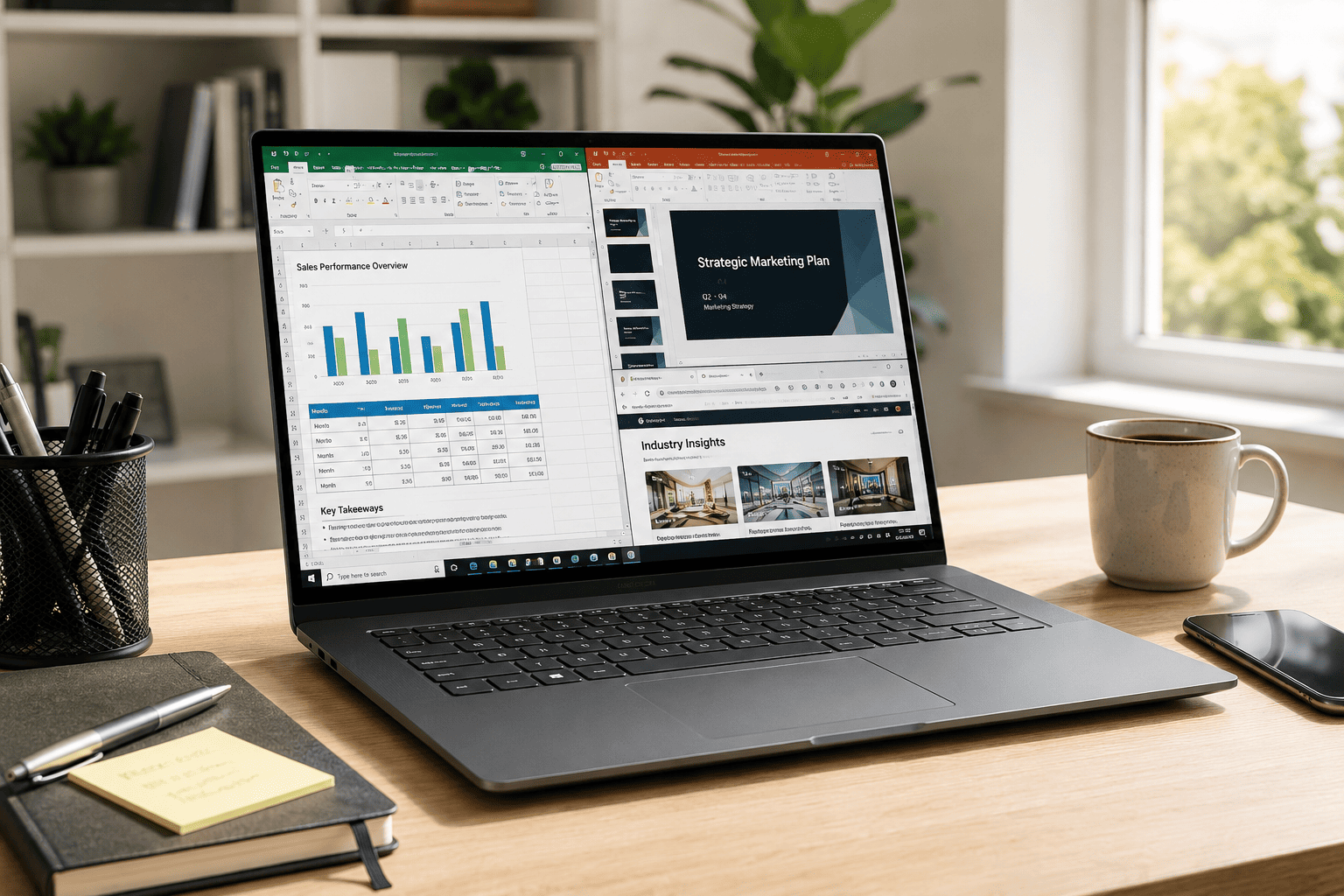
If you want the laptop that’s most likely to keep you happy for the next four or five years, the ASUS Vivobook Go 15 Ryzen 5 is easily my favorite pick under $500. Selling for around $419, it offers hardware that’s well suited for remote work, online meetings, multitasking, and everyday productivity.
The Ryzen 5 7520U processor is noticeably quicker than the entry-level chips you’ll find in many budget laptops. Combine that with 8GB of RAM and a 512GB SSD, and you get a machine that boots quickly, opens programs without long waits, and handles multiple browser tabs with ease.
Highlights
- AMD Ryzen 5 7520U processor
- 8GB RAM
- 512GB SSD
- 15.6-inch Full HD display
- Windows 11 Home
- Fast charging support
- Webcam privacy shutter
- Military-grade durability
I also appreciate the larger SSD. Many affordable laptops only include 128GB or 256GB of storage, which fills up surprisingly fast once you install Office, Zoom, and a few other applications.
If you’re working from home every day and want the best long-term value, this ASUS model is the one I’d recommend first.
2
ASUS Vivobook Go 15 Ryzen 3 Review: Best Value
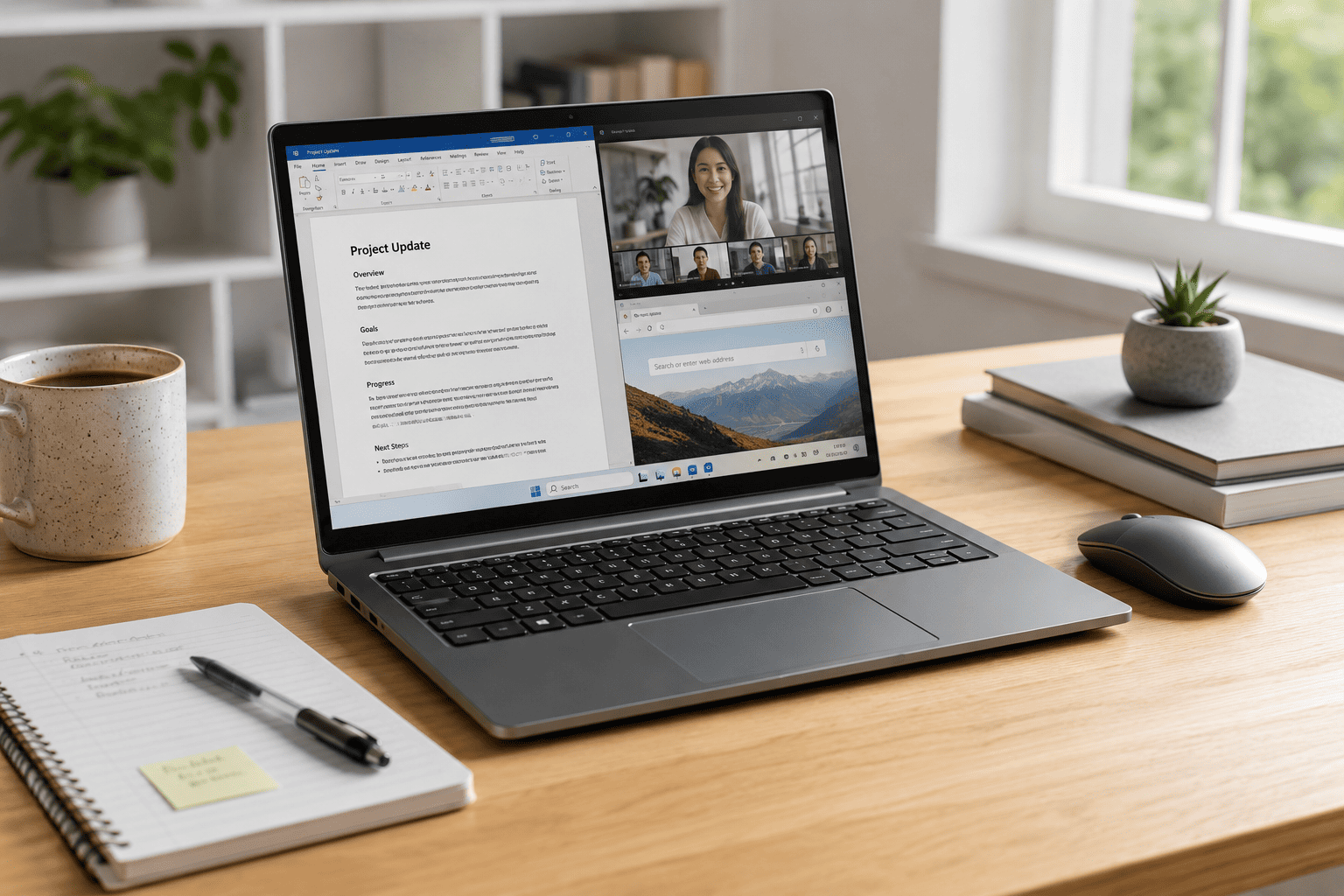
Not everyone needs a Ryzen 5 processor. If your workload is mostly emails, spreadsheets, web browsing, video calls, and document editing, the ASUS Vivobook Go 15 Ryzen 3 gives you a very similar experience while costing a little less.
At roughly $401, it still includes a modern Ryzen processor, DDR5 memory, a Full HD display, Windows 11, and thoughtful extras like fast charging and a physical webcam shield.
Why It Stands Out
- AMD Ryzen 3 7320U processor
- 8GB DDR5 RAM
- 256GB SSD
- 15.6-inch Full HD display
- Windows 11 Home
- Fast charging
- Webcam privacy shutter
- Military-grade durability
The biggest difference compared to the Ryzen 5 model is processing power and storage capacity. For typical work-from-home tasks, though, many people probably won’t notice much difference during everyday use.
If you want a dependable Windows laptop while staying comfortably under your $500 budget, this Vivobook offers excellent value.
3
Lenovo IdeaPad 3i Chromebook Review: Best Chromebook for Remote Work
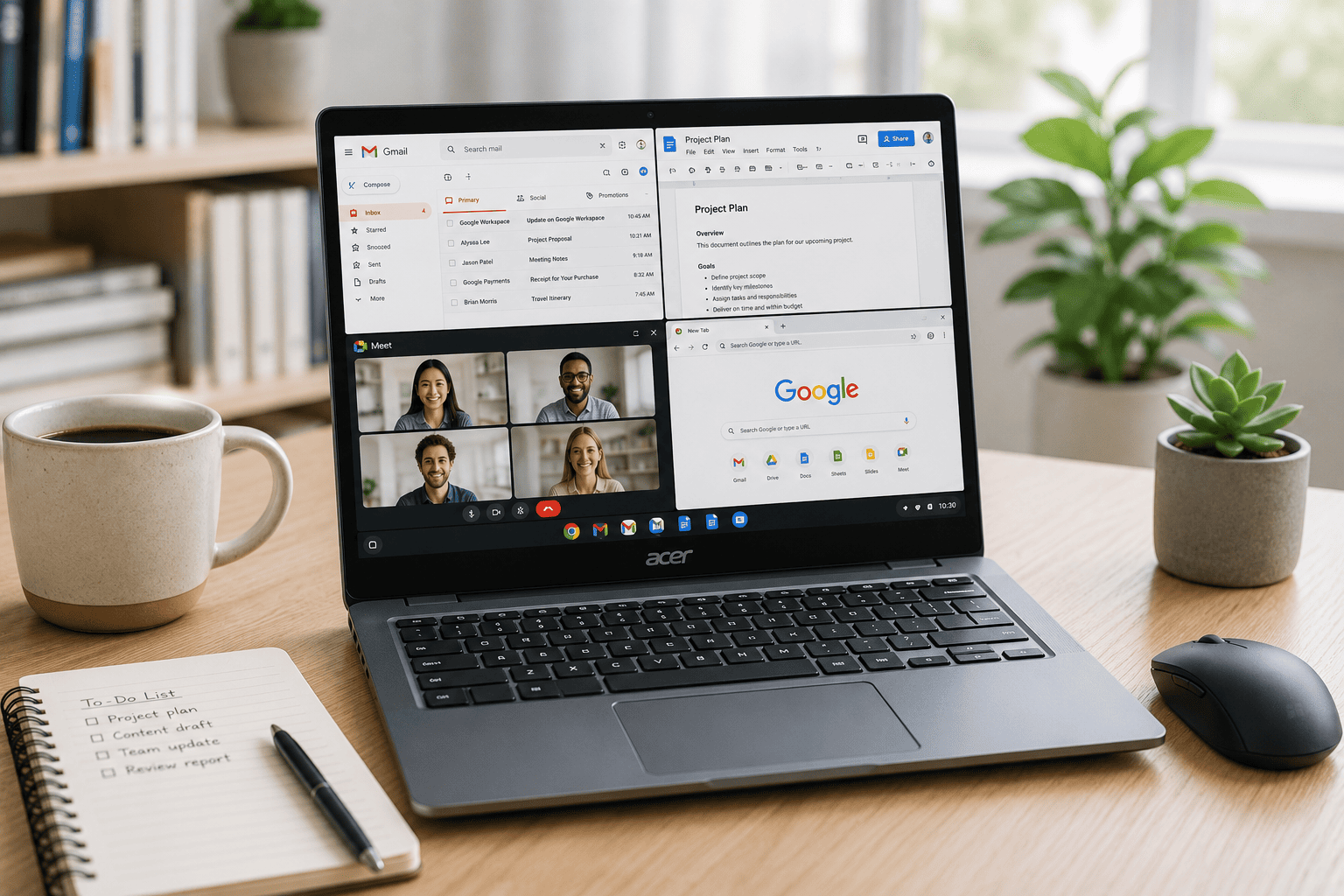
If most of your work happens inside a web browser, the Lenovo IdeaPad 3i Chromebook is one of the easiest recommendations under $300. Selling for around $285, it’s built for people who mainly use Google Docs, Gmail, Google Meet, Zoom, and other cloud-based apps.
ChromeOS is lightweight, boots quickly, and doesn’t require much maintenance. If you’re tired of slow Windows laptops filling up with updates, this feels refreshingly simple. The Full HD display also looks much better than the lower-resolution panels you often find at this price.
Highlights
- Intel Celeron N4500 processor
- 8GB RAM
- 64GB eMMC storage
- 15.6-inch Full HD display
- ChromeOS
- 720p webcam
- Lightweight design
- Long battery life for everyday work
This isn’t the laptop I’d buy for video editing or specialized Windows software, but for web-based work, online classes, email, and video meetings, it handles the job surprisingly well.
If you’re already invested in Google’s ecosystem, this is probably the best Chromebook on this list.
4
MAXVELTH 15.6-inch Laptop Review: Best Budget Windows Laptop
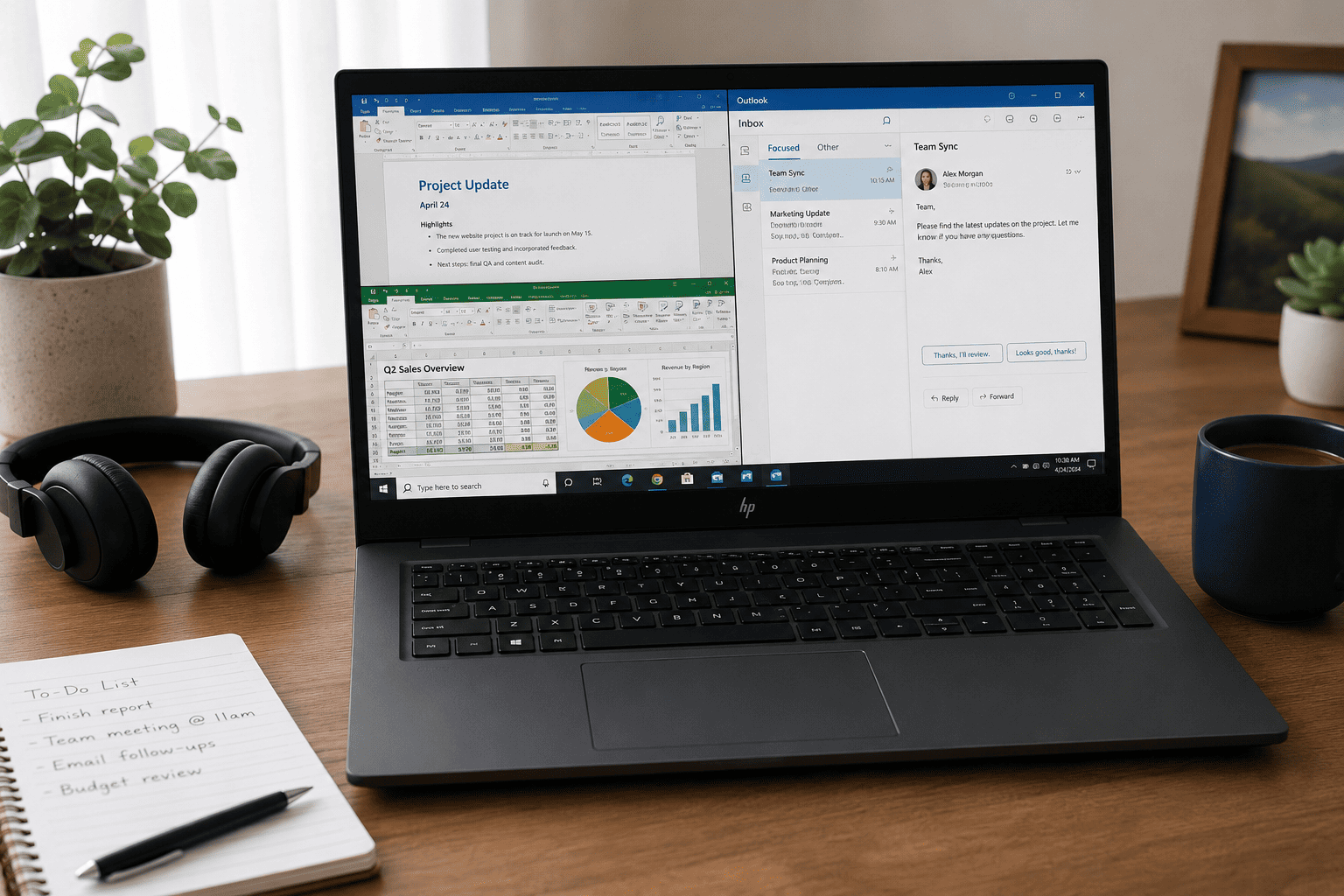
If keeping your budget as low as possible is your top priority, the MAXVELTH 15.6-inch Laptop is worth considering. At roughly $239, it’s one of the least expensive Windows laptops you can buy while still getting modern hardware.
Despite the low price, you still get a Full HD IPS display, 8GB of RAM, and a 128GB SSD. That combination is more than enough for email, Microsoft Office, web browsing, online meetings, and basic productivity tasks.
Highlights
- Intel Pentium Gold 6500Y processor
- 8GB RAM
- 128GB SSD
- 15.6-inch Full HD IPS display
- USB-C and USB 3.2 ports
- HDMI output
- Bluetooth 5
- Wi-Fi connectivity
You shouldn’t expect workstation-level performance, but for everyday office work and working from home, it delivers solid value for the price.
If your budget is under $250 and you still want a Windows laptop instead of a Chromebook, this is one of the better options available.
5
2026 Windows 11 Pro Laptop Review: Best Ready-to-Use Package

Some people simply want to open the box, sign in, and start working. That’s exactly where the 2026 Windows 11 Pro Laptop with Office 365 Included shines.
Priced at around $300, it comes with Windows 11 Pro and Office 365 already included, which saves both time and money. For many remote workers, students, and small business owners, that’s a big advantage over buying software separately.
Highlights
- Intel Pentium processor
- Windows 11 Pro pre-installed
- Office 365 included
- 8GB RAM
- 256GB SSD
- 15.6-inch display
- Mini HDMI output
- Built-in webcam and microphone
Performance is aimed at everyday productivity rather than demanding workloads, but it handles documents, spreadsheets, presentations, video calls, and web browsing without much trouble.
If you want an affordable Windows laptop that’s ready for work from the moment you turn it on, this package offers excellent overall value.
Final Recommendation
If I had to narrow this list down, here’s how I’d choose.
- Buy the ASUS Vivobook Go Ryzen 5 if you want the best overall performance under $500 and a laptop that should stay fast for years.
- Choose the ASUS Vivobook Go Ryzen 3 if you want the best value for everyday work and multitasking.
- Pick the Lenovo IdeaPad 3i Chromebook if almost everything you do happens in Google Chrome or other web apps.
- Go with the 2026 Windows 11 Pro Laptop if you want a computer that’s ready to work immediately with Office 365 already included.
- Choose the MAXVELTH 15.6-inch Laptop if you’re trying to spend as little as possible while still getting a capable Windows laptop.
At this price point, you don’t have to settle for a slow or frustrating machine anymore. Several laptops under $500 now offer enough performance for remote work, online meetings, web browsing, and everyday productivity. The key is choosing the one that best matches how you actually work rather than simply buying the cheapest option.