Desktop computers have come a long way. You no longer need a bulky tower sitting under your desk to get fast performance for work, content creation, or even light gaming. Today’s mini PCs are small enough to fit in the palm of your hand, yet many deliver performance that rivals traditional desktop computers.
Affiliate Disclaimer
This website participates in affiliate programs. We may earn a commission
when you purchase products through links on this page, at no additional
cost to you. Our recommendations are based on independent research and
honest opinions.
After comparing the latest models, I think the F8 Mini PC with Intel’s 13th Gen Core i5 processor offers the best overall balance of speed, connectivity, and future-proof features. But it isn’t the right choice for everyone. If you’re editing 4K videos, gaming, running multiple virtual machines, or simply want an affordable office PC, there’s another mini desktop on this list that will probably suit you better.
In this guide, I’ll break down the best mini PCs you can buy in 2026, explain where each one shines, and help you choose the one that fits both your workload and your budget.
Quick Comparison: Best Mini PCs in 2026
| Product | Best For | Processor | Approx. Price |
|---|---|---|---|
| F8 Mini PC | Best Overall | Intel Core i5-13420H | ~$549 |
| GEEKOM XT12 Pro | Best for Video Editing | Intel Core i9-12900H | ~$749 |
| GMKtec M6 Ultra | Best AMD Performance | Ryzen 5 7640HS | ~$550 |
| GMKtec G3 PRO | Best Office PC | Intel Core i3-10110U | ~$320 |
| KAMRUI AK1PLUS | Best Budget | Intel Celeron N5095 | ~$260 |
My Top Recommendation
If I had around $550 to spend on a mini PC today, I’d buy the F8 Mini PC.
It checks nearly every box most people care about. The Intel Core i5-13420H is powerful enough for office work, programming, Photoshop, Lightroom, light video editing, and even some casual gaming. It also includes 16GB of RAM, a fast 512GB SSD, Wi-Fi 6, Bluetooth 5.2, and an impressive selection of ports.
What really separates it from many competitors is connectivity. You get dual HDMI ports, dual USB-C ports, four USB 3.2 ports, 2.5Gb Ethernet, and support for up to four displays. That’s the kind of flexibility you usually expect from much larger desktop computers.
If you want one mini PC that can comfortably handle work today and still feel fast several years from now, this is the one I’d recommend first.
1
F8 Mini PC Review: Best Overall Mini PC

If you’re looking for one mini desktop that can handle almost everything, the F8 Mini PC deserves to be at the top of your list. Around $549 isn’t exactly cheap, but considering what you’re getting, I think it’s priced fairly.
The 13th Gen Intel Core i5-13420H delivers excellent everyday performance. Whether you’re juggling dozens of Chrome tabs, editing large spreadsheets, writing code, or running multiple business applications, this machine has plenty of power.
What I Like
- Intel Core i5-13420H processor
- 16GB DDR4 RAM
- 512GB NVMe SSD
- Supports up to four displays
- Dual HDMI plus dual USB-C
- 2.5Gb Ethernet
- Wi-Fi 6 and Bluetooth 5.2
- 8K display support
One thing that really impressed me is the port selection. Many mini PCs force you to use adapters, but this one already includes nearly everything most people need.
If your goal is to replace a traditional desktop without giving up performance, this is an excellent choice.
2
GEEKOM XT12 Pro Review: Best Mini PC for Video Editing and Heavy Workloads

If performance matters more than price, the GEEKOM XT12 Pro Mini PC is easily one of the most capable machines in this guide.
At roughly $749, it’s built for creators, developers, engineers, and professionals who regularly push their computers hard.
Standout Features
- Intel Core i9-12900H
- 32GB RAM
- 1TB SSD
- USB4 connectivity
- Quad 8K display support
- Windows 11 Pro included
The jump from an i5 to an i9 is noticeable if you spend your day rendering videos, compiling code, running virtual machines, or editing large RAW photo libraries.
For everyday office work, it’s honestly more power than most people need. But if your computer earns you money every day, investing in this level of performance can absolutely be worth it.
3
GMKtec M6 Ultra Review: Best AMD Mini PC

If you’re leaning toward an AMD-powered system, the GMKtec M6 Ultra Gaming Mini PC deserves serious attention. At around $550, it packs hardware you’d normally expect in a much larger desktop, making it an excellent choice for developers, multitaskers, and creators who want plenty of performance without sacrificing desk space.
The Ryzen 5 7640HS processor combined with 32GB of DDR5 RAM makes everyday work feel effortless. Running dozens of browser tabs, editing photos, compiling code, streaming videos, and switching between multiple applications never feels sluggish. It also gives you plenty of room to grow if your workload becomes more demanding later.
Why It Stands Out
- AMD Ryzen 5 7640HS processor
- 32GB DDR5 memory
- 1TB PCIe SSD
- USB4 connectivity
- Triple 4K display support
- Dual 2.5Gb Ethernet ports
- Wi-Fi 6 and Bluetooth 5.2
One feature I really like is the dual 2.5Gb LAN ports. They’re perfect if you work with servers, virtual machines, or networking equipment. Even if you don’t need them today, it’s nice knowing the hardware is there.
If you want AMD performance with lots of memory and excellent connectivity, this mini PC offers one of the best values in its class.
4
GMKtec G3 PRO Review: Best Mini PC for Office Work
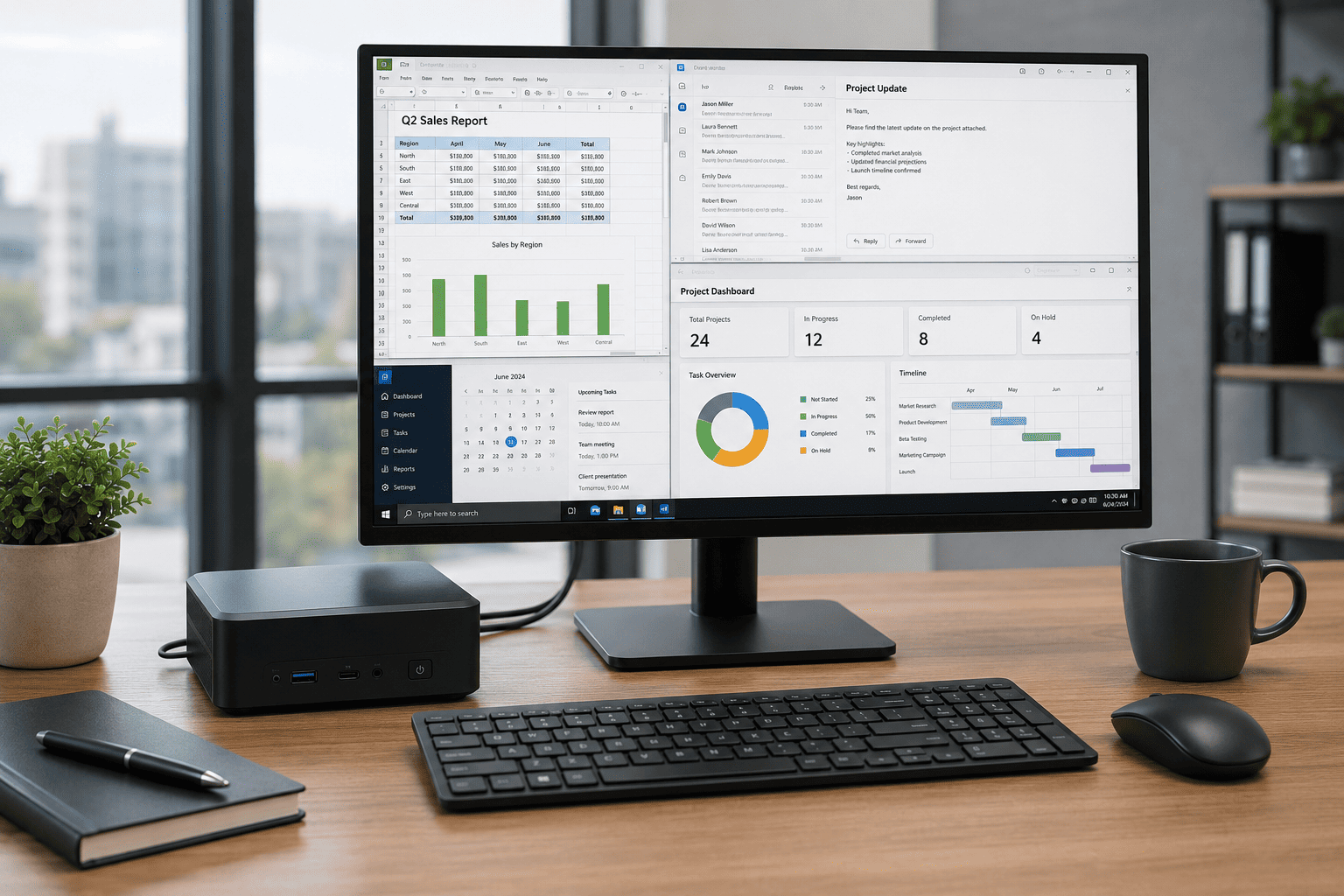
Not everyone needs a high-end processor or workstation-class hardware. If your daily routine includes Microsoft Office, web browsing, email, video meetings, and accounting software, the GMKtec G3 PRO Mini PC is probably all you need.
At approximately $320, it focuses on delivering dependable performance without charging you for power that may never get used. It isn’t built for heavy video editing or modern gaming, but for everyday productivity, it performs exactly as expected.
Key Features
- Intel Core i3-10110U processor
- 16GB DDR4 RAM
- 512GB SSD
- Dual HDMI outputs
- Wi-Fi 6
- Bluetooth 5.2
- 2.5Gb Ethernet
I also like that GMKtec includes 16GB of RAM instead of the 8GB that’s still common on many budget desktops. That extra memory makes multitasking much smoother and helps keep Windows responsive over time.
If you’re setting up a home office, equipping a small business, or buying a desktop for schoolwork, this model offers solid performance at a reasonable price.
5
KAMRUI AK1PLUS Review: Best Budget Mini PC
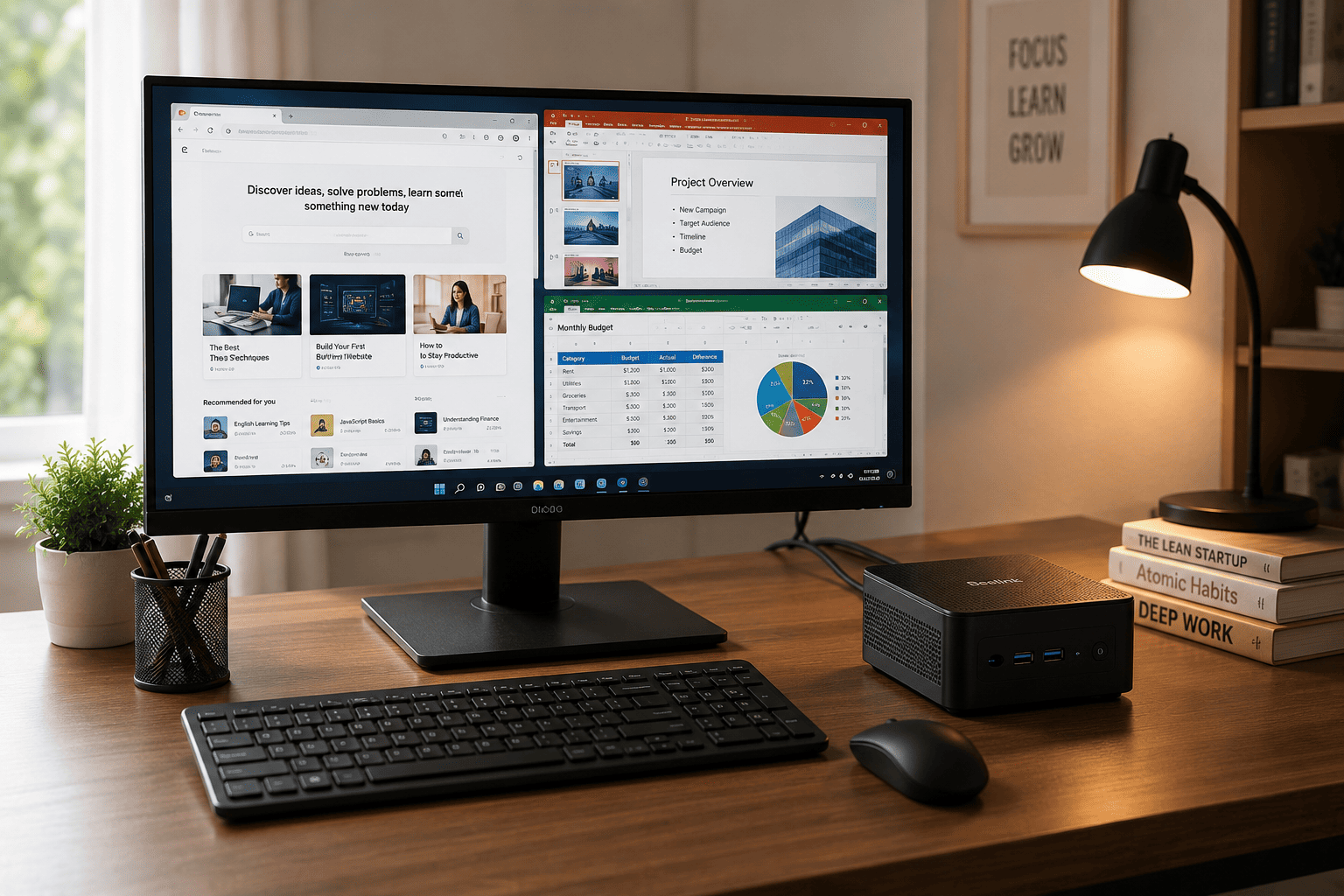
If your budget is tight but you still want a capable desktop computer, the KAMRUI AK1PLUS Mini PC is worth considering. Selling for about $260, it’s one of the most affordable options in this guide while still offering modern features like SSD storage and support for dual 4K displays.
This isn’t a powerhouse, and it doesn’t pretend to be one. But for web browsing, online classes, streaming movies, office work, and general home use, it gets the job done without costing a fortune.
What You Get
- Intel Celeron N5095 processor
- 16GB RAM
- 256GB SSD
- Dual 4K display support
- Wi-Fi and Bluetooth
- Gigabit Ethernet
- Expandable 2.5-inch SSD support
Another nice touch is the storage expansion option. If you start running out of space later, you can add another drive instead of replacing the entire computer.
For students, families, or anyone replacing an aging desktop on a budget, this is an easy recommendation. It won’t compete with the premium models above, but it delivers excellent value for everyday computing.
Final Recommendation
Each mini PC on this list targets a different type of buyer, so the right choice really depends on how you plan to use it.
- Choose the F8 Mini PC if you want the best overall combination of speed, ports, multitasking performance, and future-proof hardware.
- Pick the GEEKOM XT12 Pro if your work includes video editing, software development, virtualization, or other demanding professional tasks.
- Go with the GMKtec M6 Ultra if you prefer AMD processors and want excellent multitasking performance with plenty of memory.
- Buy the GMKtec G3 PRO if you need a dependable office computer for everyday productivity without overspending.
- Choose the KAMRUI AK1PLUS if you’re looking for an affordable desktop for web browsing, schoolwork, streaming, and basic home use.
Conclusion
Mini PCs have become a practical replacement for traditional desktop towers. They take up very little space, use less power, and are surprisingly capable for everything from everyday office work to content creation and software development.
For most people, I’d still recommend the F8 Mini PC because it strikes the best balance between performance, connectivity, expandability, and overall value. It has enough power for today’s workloads and the hardware to stay useful for years to come. If your needs are more specialized or your budget is different, though, the other models on this list each offer a strong reason to buy. Pick the one that matches the way you actually work, and you’ll end up with a compact desktop that delivers far more than its size suggests.