If you work from a laptop, a portable monitor can completely change the way you travel and work remotely. A second screen makes it much easier to keep email open while working on a document, compare spreadsheets side by side, join video calls without constantly switching windows, or simply stay more organized. The best part is that modern portable monitors are thin enough to slip into the same bag as your laptop.
Affiliate Disclaimer
This website participates in affiliate programs. We may earn a commission
when you purchase products through links on this page, at no additional
cost to you. Our recommendations are based on independent research and
honest opinions.
After comparing today’s most popular options, I think the Upperizon 18.5-inch Portable Monitor is the best overall choice for most professionals. It offers a larger screen than typical travel monitors, excellent color coverage, a smooth 100Hz refresh rate, and a built-in kickstand that makes it feel surprisingly close to a real desktop setup. That said, it isn’t the best choice for every traveler. If you’re trying to spend less, want something ultra-lightweight, or need a dual-screen laptop extender, there are better options depending on how you work.
In this guide, I’ll walk you through the best portable monitors for laptops and travel in 2026 and help you choose the one that fits your workflow.
Quick Comparison: Best Portable Monitors for Travel
| Product | Best For | Size | Approx. Price |
|---|---|---|---|
| Upperizon 18.5" Portable Monitor | Best Overall – Large travel workspace | 18.5" | ~$170 |
| Cocopar 15.6" Portable Monitor | Best Portable – Lightweight travel setup | 15.6" | ~$120 |
| InnoView 15.6" Portable Monitor | Best Budget | 15.6" | ~$60 |
| 14" Dual Laptop Screen Extender | Best Dual-Screen Productivity | 14" | ~$96 |
| APILDELLA Triple Laptop Screen Extender | Best Triple-Screen Workstation | 15.6" × 2 | ~$300 |
My Top Recommendation
If I were buying a portable monitor for work today, I’d choose the Upperizon 18.5-inch Portable Monitor.
The biggest reason is the screen size. Most travel monitors are 15.6 inches, which is fine, but 18.5 inches gives you noticeably more room for spreadsheets, documents, and side-by-side windows without feeling cramped. When you’re working from hotels, airports, or coffee shops, that extra space can make your setup feel much closer to a real desk.
I also like that it uses a 100Hz IPS panel with 125% sRGB coverage, so text looks smooth, and colors look more vibrant than many budget portable monitors. Add the built-in kickstand, USB-C connectivity, speakers, and VESA support, and it feels like a surprisingly complete package for around $170.
1
Upperizon 18.5-inch Portable Monitor Review: Best Overall for Productivity

If you want a portable monitor that feels more like a real desktop display, the Upperizon 18.5-inch Portable Monitor is the one I’d start with. At around $170, it costs more than basic travel monitors, but the larger screen makes a noticeable difference the moment you open multiple windows.
What impressed me most is how much workspace you get without carrying a full-size monitor. The 18.5-inch display is large enough for spreadsheets, coding, document editing, and video calls side by side, yet it’s still thin enough to travel with a laptop.
Highlights
- 18.5-inch FHD IPS panel
- 100Hz refresh rate for smoother scrolling and cursor movement
- 125% sRGB color coverage for richer colors
- USB-C and HDMI connectivity
- Built-in kickstand and speakers
- VESA mount compatible
The 100Hz refresh rate is a nice bonus. You may not think you need it for work, but smoother scrolling and cursor movement make the monitor feel more responsive during long sessions.
For remote workers, digital nomads, and anyone replacing a dual-monitor office setup while traveling, this is one of the strongest options available.
2
Cocopar 15.6-inch Portable Monitor Review: Best for Travel
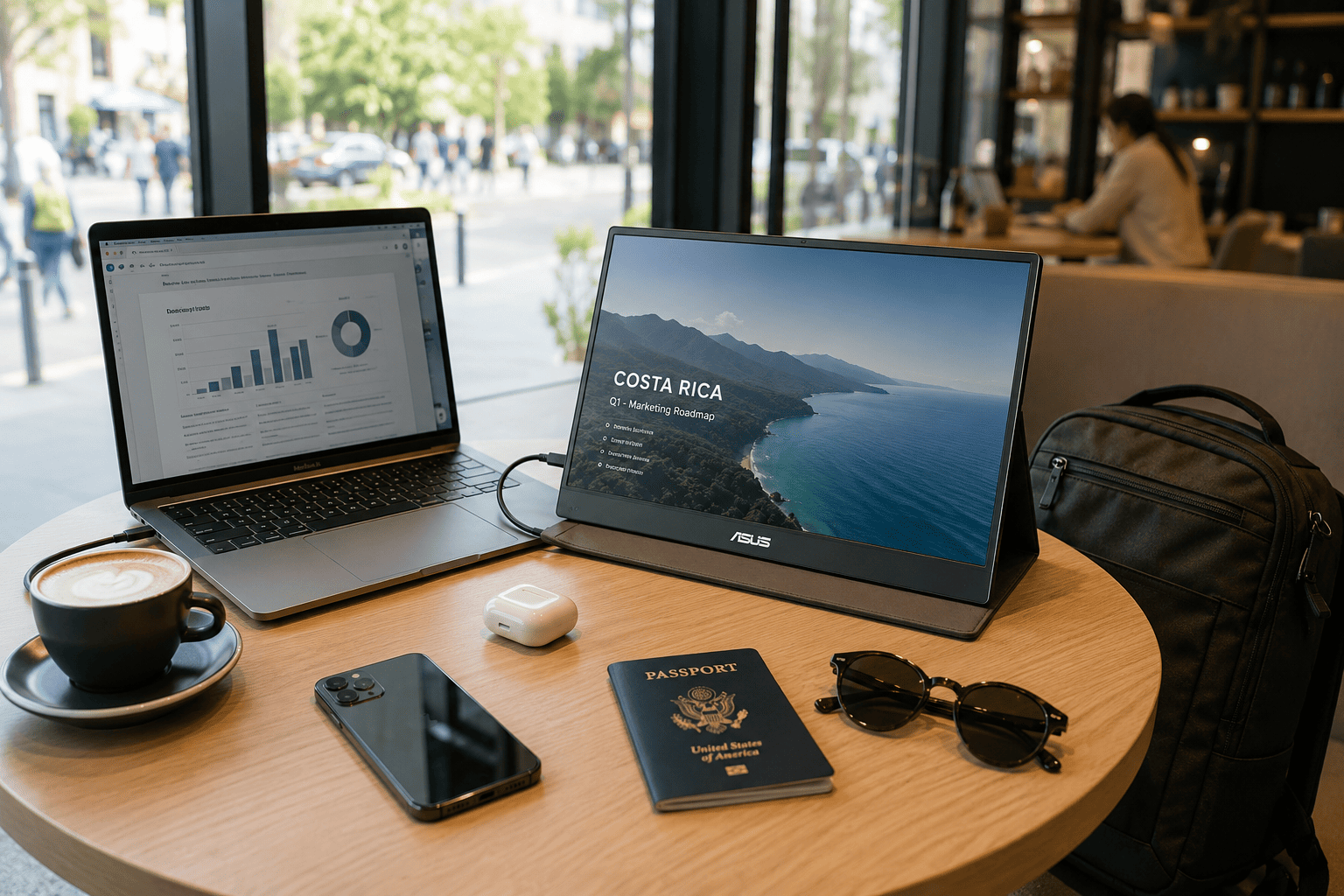
If portability is your top priority, the cocopar 15.6-inch Portable Monitor is hard to beat. It’s one of the most popular travel monitors on Amazon, and after looking at the feature set, I can see why.
At around $120, it strikes a really nice balance between size, weight, and usability. The 15.6-inch 1080p IPS display is large enough to be useful but still compact enough to fit easily into a backpack.
What stands out
- Thin and lightweight design
- USB-C and HDMI support
- Protective cover that doubles as a stand
- Built-in speakers
- VESA mount support
I especially like the included cover stand because it makes setup quick when you’re working in a hotel room or coffee shop. You don’t need extra accessories—just open the cover, connect a cable, and start working.
For frequent travelers who want a reliable second screen without adding much weight to their bag, this is probably the sweet spot.
3
InnoView Portable Monitor Review: Best Budget Portable Monitor
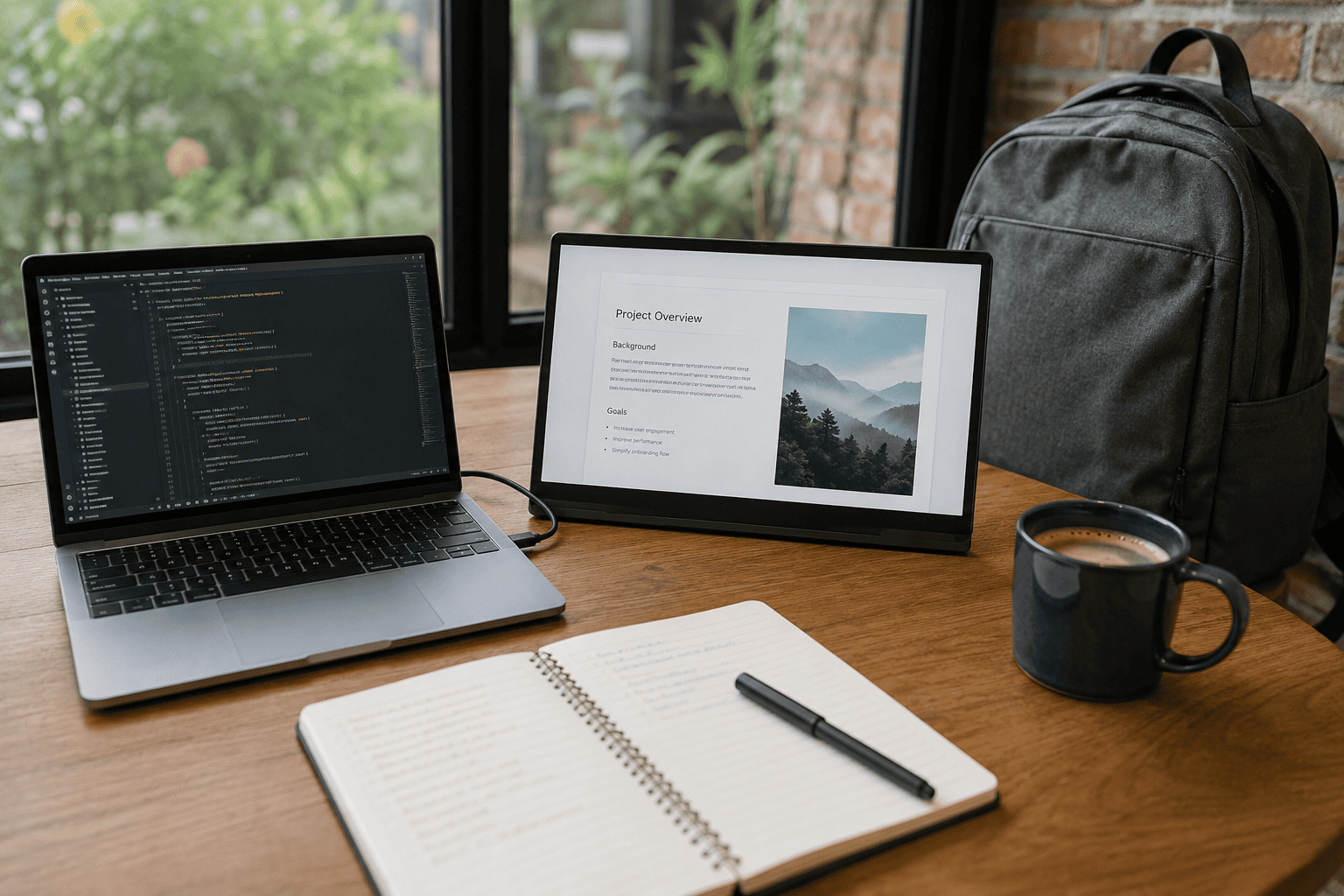
Not everyone needs to spend over $150 to get a useful second screen. If you’re looking for the best value, the InnoView Portable Monitor is one of the easiest recommendations I can make.
At around $60, it’s surprisingly affordable considering everything it offers. You still get a Full HD IPS display, USB-C and HDMI connectivity, built-in speakers, and a protective case that also works as a stand. For many people, that’s everything needed to build a productive mobile workspace.
Why I like it
- Excellent price for a Full HD IPS display
- USB-C and Mini HDMI connections
- Protective cover included
- Built-in stereo speakers
- Compatible with laptops, MacBooks, phones, gaming consoles, and tablets
The picture quality is better than I expected for this price. Text looks sharp enough for writing documents and browsing the web, while colors are perfectly good for presentations, movies, and everyday office work. If you’re editing professional photos or videos, you’ll probably want something with better color accuracy, but for general productivity, this display performs well.
Another advantage is how easy it is to connect. Most modern laptops only need a single USB-C cable for both power and video, which keeps your desk much cleaner. If your laptop doesn’t support USB-C display output, the included HDMI option gives you another way to connect.
I also appreciate that InnoView includes the protective cover instead of selling it separately. When you’re carrying the monitor in a backpack every day, having that extra protection is a nice bonus.
If your goal is simply adding a second screen without spending much money, I think this is one of the best values available today.
4
14-inch Dual Laptop Screen Extender Review: Best for Dual-Screen Productivity
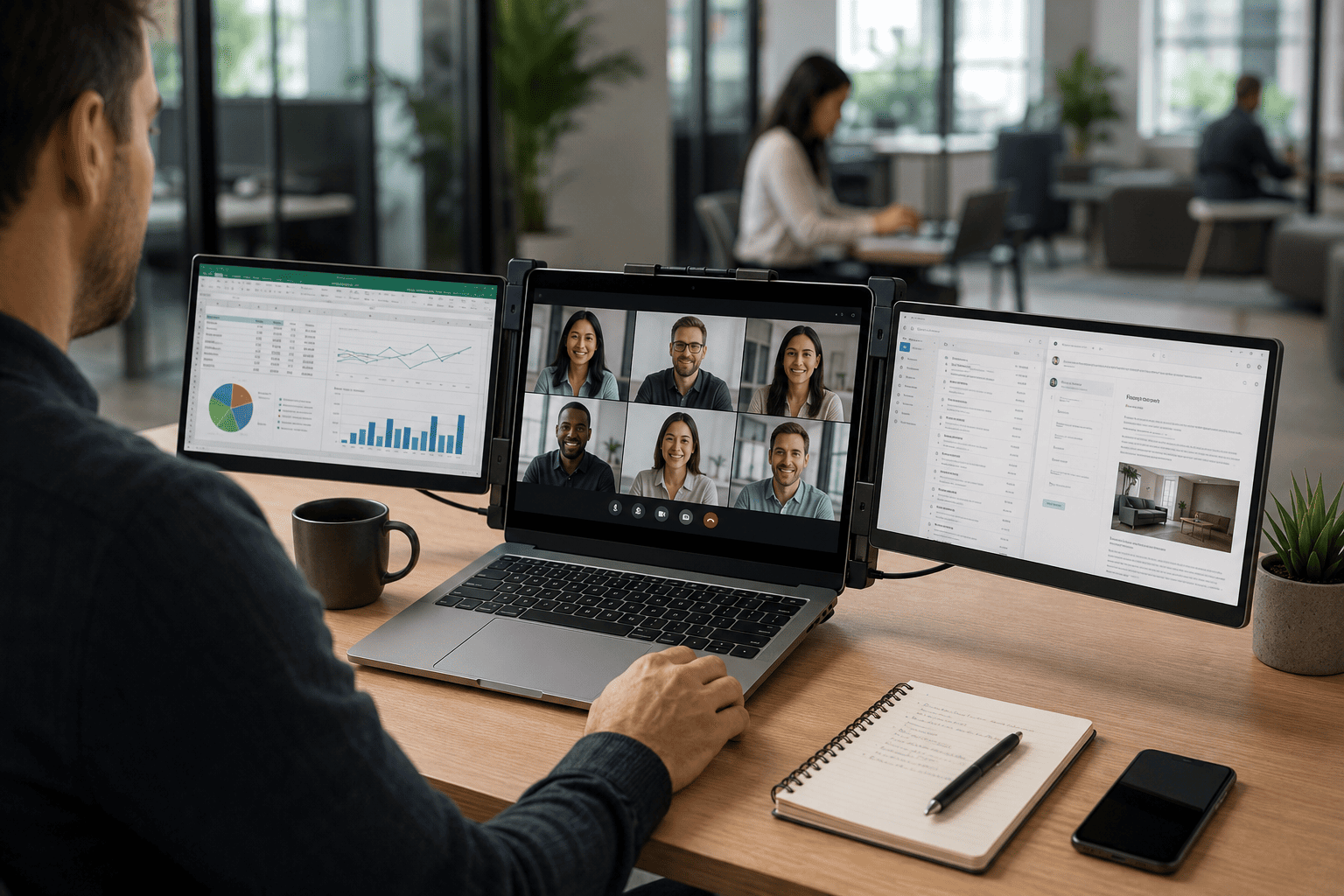
If one extra screen isn’t enough for your workflow, the 14-inch Dual Laptop Screen Extender offers something completely different from a traditional portable monitor.
Instead of sitting beside your laptop, this monitor attaches directly to it, giving you a dual-screen workstation almost anywhere. At around $96, it’s a great option if you constantly multitask while traveling.
Best features
- Dual-screen setup in seconds
- Plug-and-play installation
- Full HD IPS display
- Works with most 13.3- to 17-inch laptops
- Multiple connection options, including HDMI, USB-A, and USB-C
I think this type of monitor works especially well for people who spend their day switching between multiple applications. You can keep Microsoft Teams on one screen, your spreadsheet on another, and still use your laptop display for email or research.
The installation process is surprisingly straightforward. Once the monitor is attached to your laptop, it feels much more stable than I expected, making it practical for hotel rooms, coworking spaces, and temporary offices.
The 1080p IPS display delivers clear text and comfortable viewing angles, while the compact design folds neatly for travel. It obviously adds some extra weight compared to carrying a single portable monitor, but the additional productivity is worth it if you rely on multiple windows throughout your day.
If your work involves accounting, programming, stock trading, project management, or heavy multitasking, this style of monitor can dramatically improve your workflow.
5
APILDELLA Triple Laptop Screen Extender Review: Best for Maximum Productivity

If you’re the kind of person who always wishes for more screen space, the APILDELLA Triple Laptop Screen Extender is built for exactly that.
This isn’t just another portable monitor. It’s a complete mobile workstation that transforms your laptop into a three-screen setup. At around $300, it’s the most expensive product in this guide, but it’s also designed for professionals who spend their entire day working across multiple applications.
What makes it stand out
- Triple-screen workspace
- One-cable connection for compatible laptops
- Full HD 1080p displays
- Built-in speakers
- Slim travel-friendly design
- Compatible with Windows and Mac laptops
Imagine having your main project in the center, email on one side, and your browser, Slack, or video meeting on the other. That’s the kind of workflow this monitor makes possible without carrying three separate displays.
I also like that it folds into a surprisingly compact package considering how much screen space it provides. It isn’t something I’d carry for casual travel, but for consultants, software developers, financial analysts, content creators, and remote professionals who spend hours multitasking, it can replace an entire desktop monitor setup.
Of course, not everyone needs this much screen space. If your work mainly involves writing documents or browsing the web, a standard portable monitor is probably enough. But if you regularly work with multiple dashboards, spreadsheets, or creative applications, the extra screens can make a huge difference in productivity.
Final Recommendation
After comparing all five portable monitors, here’s how I’d narrow down the decision.
Choose the Upperizon 18.5-inch Portable Monitor if you want the best overall experience. The larger display, smooth 100Hz refresh rate, excellent color coverage, and sturdy kickstand make it feel much closer to a desktop monitor while still being easy to travel with.
Buy the Cocopar 15.6-inch Portable Monitor if portability matters most. It’s lightweight, reliable, easy to set up, and offers excellent value for frequent travelers who simply need a dependable second screen.
Go with the InnoView Portable Monitor if you’re shopping on a budget. At around $60, it’s easily one of the best affordable portable monitors available and delivers everything most people need for everyday work.
Pick the 14-inch Dual Laptop Screen Extender if multitasking is part of your daily routine. Having two displays attached directly to your laptop can make a huge difference when you’re managing emails, spreadsheets, research, and meetings at the same time.
Choose the APILDELLA Triple Laptop Screen Extender if you want the closest thing to a desktop workstation while traveling. It’s expensive, but for professionals who depend on multiple screens every day, it’s an investment that can seriously improve productivity.
Conclusion
A portable monitor isn’t just another gadget—it’s one of those upgrades that can completely change how you work outside the office. Whether you’re answering emails from an airport, editing presentations in a hotel room, or working remotely from a coffee shop, having extra screen space makes almost every task easier and more comfortable.
If I had to recommend just one model, I’d still go with the Upperizon 18.5-inch Portable Monitor. The larger screen, smooth refresh rate, versatile connectivity, and solid build quality give it the best overall balance for productivity, travel, and long-term value.
That said, every monitor on this list serves a different type of user. The cocopar is ideal for frequent travelers, the InnoView delivers outstanding value for the money, the dual-screen extender is perfect for people who constantly multitask, and the APILDELLA is built for professionals who want a true multi-monitor workspace wherever they go.
Think about how you work rather than simply buying the most expensive option. If you choose a portable monitor that matches your workflow, you’ll spend less time juggling windows and more time getting real work done—whether you’re at home, on the road, or anywhere in between.