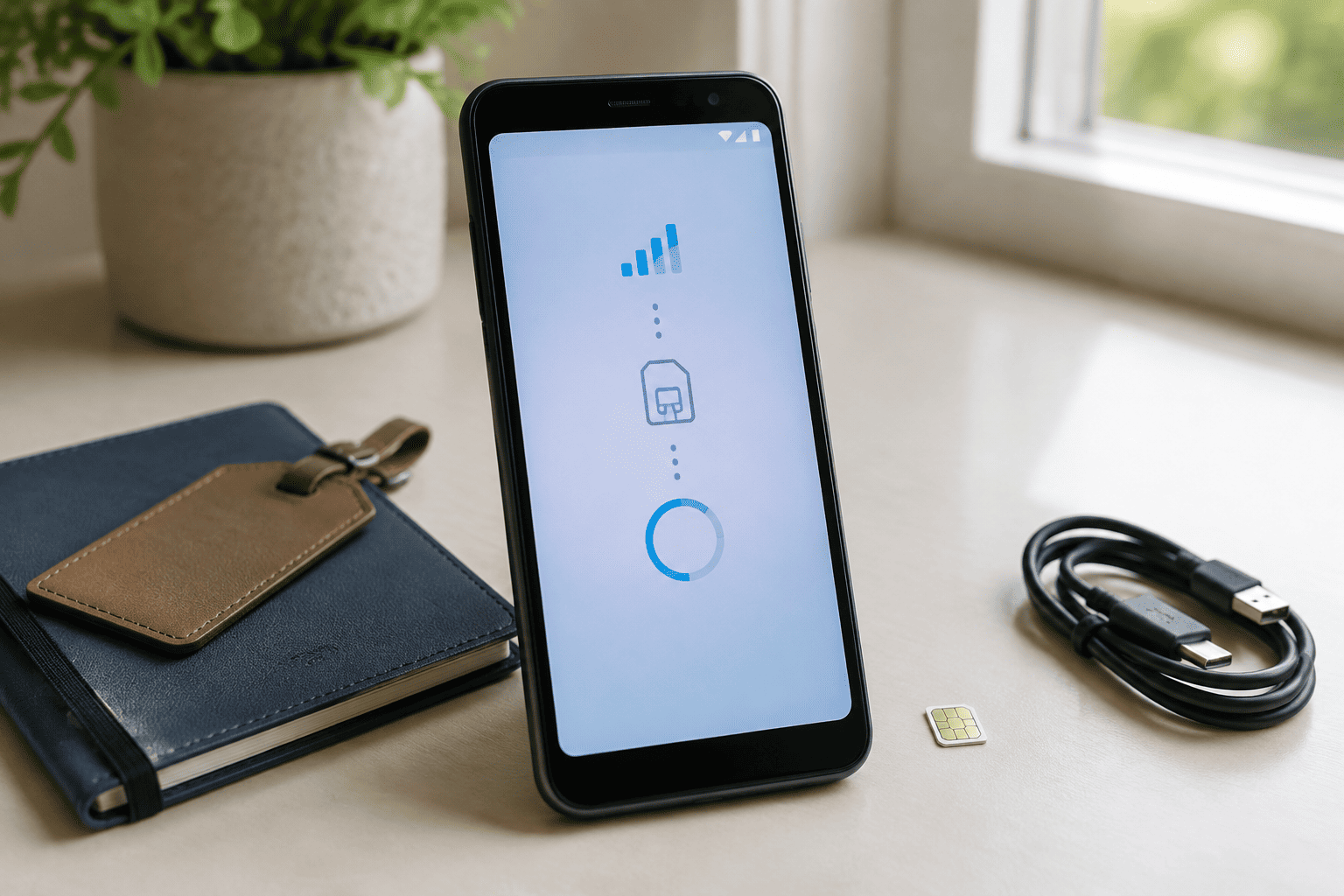
An eSIM is a digital SIM built directly into your phone, so you can activate a compatible cellular plan without inserting a physical SIM card. It does the same basic job as a traditional SIM, but the activation process happens through software instead of a removable card.
Affiliate Disclaimer
This website participates in affiliate programs. We may earn a commission
when you purchase products through links on this page, at no additional
cost to you. Our recommendations are based on independent research and
honest opinions.
That sounds like a small change, but it can be surprisingly useful. eSIMs make switching plans easier, give you more flexibility when traveling, and can let compatible phones keep multiple cellular plans available without requiring several physical SIM cards.
Still, eSIM is not automatically better for everyone. Your carrier needs to support it, your specific phone model needs to include the feature, and there are situations where a physical SIM remains more convenient.
What Exactly Is an eSIM?
An eSIM stands for embedded Subscriber Identity Module.
Instead of putting a small removable SIM card into your phone, the SIM technology is built into the device itself.
The important thing is that an eSIM is not a different type of cellular service. Your carrier still provides your phone number and mobile plan. The difference is how that plan gets stored and activated on the phone.
With a physical SIM, you receive a card and insert it into your phone.
With an eSIM, your carrier can provide activation information digitally. Depending on the carrier and phone, you might scan a QR code, use the carrier’s app, or follow an activation process directly through the phone’s settings.
Once activated, the phone connects to the cellular network in much the same way it would with a physical SIM.
How Does an eSIM Work?
The easiest way to think about an eSIM is as a programmable SIM inside your phone.
You don’t physically remove it when you change carriers.
Instead, your phone downloads the carrier’s SIM profile and stores it securely on the device. You can then use that cellular plan for calls, texts, and mobile data.
The exact setup process varies between carriers and phones.
On supported Android phones, you will generally find SIM management options under the network settings. For example, Motorola’s current instructions for the 2026 moto g play show an eSIM setup option under Settings > Network & internet > SIMs & mobile network when the device and carrier support it.
The important phrase is when supported.
Having an eSIM-capable phone does not mean every carrier will offer eSIM activation.
What Is the Difference Between a Physical SIM and an eSIM?
Both perform the same fundamental job.
The difference is convenience and flexibility.
A physical SIM is a small removable card. You can take it out of one compatible phone and put it into another.
An eSIM stays inside the phone.
That means switching devices may require a digital transfer or another activation process rather than simply moving a card.
For everyday use, you may never notice a difference once your eSIM is active.
The difference becomes much more noticeable when you travel, change carriers, manage multiple lines, or frequently switch phones.
Why Are eSIMs Useful for Travel?
Travel is probably one of the best reasons to have an eSIM-compatible phone.
Suppose you’re traveling internationally and don’t want to use your normal cellular plan for every gigabyte of mobile data.
With a compatible phone and travel eSIM provider, you can purchase a local or regional data plan before or during your trip and activate it digitally.
You don’t have to find a physical SIM store at the airport.
You also don’t necessarily have to remove your regular SIM.
Depending on your phone and carrier combination, you can keep your primary line available for calls or texts while using the travel eSIM for mobile data.
That can make international travel considerably easier.
Can You Have Two Phone Numbers With an eSIM?
On supported devices, yes.
Dual-SIM phones can often combine a physical SIM and an eSIM, or support multiple eSIM profiles depending on the model.
This can be useful if you have separate personal and business numbers.
You might also keep your normal number active while using another line for travel.
But don’t assume that every eSIM phone can have two active lines at the same time.
There is a difference between storing multiple eSIM profiles and using multiple lines simultaneously.
Check the exact specifications for your phone and carrier before relying on a particular dual-SIM configuration.
Is an eSIM More Secure?
There are some practical security advantages to having an embedded SIM.
Someone cannot simply remove the SIM card from your lost phone and put it into another device.
That can make unauthorized SIM swapping through physical removal more difficult.
However, an eSIM does not make your phone immune to account takeover, SIM-swap fraud, phishing, or other attacks.
Your carrier account still matters.
Use a strong account password, enable available security protections, and be careful with unexpected messages asking you to verify account information.
The eSIM itself is only one part of your overall phone security.
What Happens If You Lose an eSIM Phone?
This is one area where eSIM can be convenient and inconvenient at the same time.
Because there is no physical SIM card to remove, you don’t have to worry about someone taking the card out and putting it into another phone.
But if your phone is lost or damaged, transferring your cellular plan to a replacement device depends on your carrier’s eSIM process.
Some carriers make this very easy through an app or online account.
Others may require additional verification or customer support.
Before relying heavily on eSIM, check how your carrier handles eSIM transfers.
That’s especially important if you travel frequently or depend on your phone for work.
Can You Switch Carriers More Easily With an eSIM?
Often, yes.
You don’t have to wait for a physical SIM card to arrive.
A supported carrier can provide digital activation instructions, allowing you to get a compatible plan running without physically changing the SIM.
This is particularly useful when comparing prepaid plans or testing another carrier.
However, an eSIM does not remove carrier compatibility requirements.
An unlocked phone can still have network-band limitations, and an eSIM provider may only support certain devices.
Always verify compatibility before purchasing a plan.
Does Every Phone Support eSIM?
No.
This is probably the most important thing to remember.
The phone needs the necessary eSIM hardware, the software needs to support it, and the carrier needs to support eSIM activation.
Even phones with very similar names can differ by region or model.
That is why checking the exact model number is much safer than looking at the general phone name.
This becomes especially important with inexpensive Android phones, international models, and carrier-specific versions.
How to Check if Your Android Phone Has eSIM
On Android, the exact menu varies by manufacturer.
Start by opening:
Settings > Network & internet > SIMs
Look for an option such as:
- Add SIM
- Download a SIM
- Add eSIM
- Download new SIM
- eSIM
You can also check the phone’s technical specifications.
On some devices, the EID identifier in the phone’s information is another indication that eSIM functionality is present.
Motorola’s current support documentation specifically notes that the 2026 moto g play can support an eSIM alongside a physical SIM and provides instructions for downloading and setting one up.
If you don’t see any eSIM option, don’t assume there is a hidden setting you need to unlock. The particular model may simply not support it.
How to Check if Your iPhone Has eSIM
Apple has included eSIM support in many recent iPhone generations, but the exact SIM configuration can vary by model and market.
Go to:
Settings > Cellular
Look for options related to adding or setting up a cellular plan.
You can also check your iPhone’s model information and Apple’s specifications for that particular model.
This is especially important when buying an imported iPhone because SIM configurations can vary between regions.
Do You Need an eSIM for Everyday Use?
Probably not.
If you have one carrier, rarely travel, and have no reason to change your cellular plan, a physical SIM may work perfectly well.
You don’t gain much simply because the phone has an eSIM.
The advantage appears when you actually use the flexibility.
Frequent travelers, people who maintain two numbers, people who regularly change carriers, and anyone who likes the idea of activating a compatible plan digitally have more reason to care about eSIM.
For everyone else, I would treat it as a useful feature rather than something you absolutely need.
Is eSIM Better for International Travel?
For frequent travelers, I think it can be one of the strongest reasons to choose an eSIM-capable phone.
You can potentially arrange your data plan before boarding your flight and activate it after landing.
You also avoid the awkward process of finding a SIM retailer, opening the SIM tray, keeping track of the tiny physical card, and figuring out where to put your normal SIM while you’re away.
Just make sure your phone is unlocked and compatible with the travel eSIM provider.
Also check whether the travel plan provides data only or includes calls and texts.
Many travel eSIM plans are primarily designed for mobile data.
What Are the Downsides of eSIM?
eSIM isn’t perfect.
The biggest drawback is that moving your cellular plan between phones can sometimes be less straightforward than moving a physical SIM.
If you frequently swap phones, you may actually prefer the simplicity of a removable SIM card.
Carrier support can also be inconsistent.
Another issue is buying phones from different regions. An international model may have a different SIM configuration from the version officially sold in your country.
So don’t buy a phone simply because an online listing says “dual SIM” or “unlocked.”
Check whether the exact model supports the eSIM configuration you need.
What About Budget Phones?
This is where you need to be particularly careful.
Budget Android phones can offer excellent value, but eSIM support is not guaranteed.
Two phones from the same manufacturer can have completely different SIM capabilities.
For example, Motorola’s current 2026 moto g play documentation explicitly provides for eSIM support alongside a physical SIM on supported configurations. Motorola lists the phone as supporting dual SIM with one physical Nano SIM, an eSIM, and a microSD card.
The supplied Samsung Galaxy A16 4G international model is different.
Samsung’s specifications for the SM-A165F show a dual-SIM configuration using a Nano-SIM and a hybrid SIM or microSD slot, rather than an eSIM setup.
That distinction matters if eSIM is the reason you’re buying the phone.
1
Motorola Moto G Play LTE: An Affordable eSIM Option
The Motorola Moto G Play LTE is the more relevant of these two phones if eSIM is one of your priorities.
The supplied listing is an unlocked US model with 4GB of RAM, 64GB of storage, a 50MP camera, and a Sapphire Blue finish. More importantly for this article, Motorola’s documentation for the current moto g play confirms eSIM capability on supported configurations, alongside a physical Nano-SIM.
That gives you a useful combination if you want the option of using a physical SIM today while keeping the flexibility of an eSIM.
The phone also supports microSD expansion, which is useful because 64GB of internal storage can fill up fairly quickly if you take lots of photos or download large amounts of media. Motorola lists support for microSD cards up to 1TB on the current model.
At the supplied Amazon price of $99.99, it is clearly positioned as a budget phone rather than a performance-focused device.
That’s fine if your priorities are calls, messaging, web browsing, streaming, basic photography, and flexible cellular connectivity.
Just verify the exact listing’s model and carrier compatibility before purchasing, particularly if eSIM is the deciding factor. Motorola itself notes that carrier support is required for eSIM activation.
2
Samsung Galaxy A16 4G: A Physical SIM Alternative

The Samsung Galaxy A16 4G LTE is a different proposition.
The supplied international SM-A165F/DS model has 4GB of RAM and 128GB of storage, along with a 6.7-inch Super AMOLED display, 50MP rear camera, and microSD support. Samsung’s specifications identify its SIM configuration as Dual-SIM with Nano-SIM and a hybrid SIM or microSD slot.
So I would not recommend this particular listing to someone specifically shopping for eSIM support.
That’s not a criticism of the phone itself.
If you are perfectly happy using physical SIM cards, the Galaxy A16 4G offers a larger storage capacity than the supplied Motorola listing and gives you Samsung’s familiar Android experience. The Super AMOLED display is also a nice feature at this price level.
The supplied Amazon price is about $158, which puts it above the Motorola listing.
Its appeal is therefore different.
I’d look at this one if you want a straightforward unlocked Android phone with 128GB of storage, a large AMOLED screen, and traditional physical SIM support. If eSIM is a must-have, however, check another Samsung model or a different exact variant before buying.
Should Your Next Phone Have an eSIM?
If you’re planning to keep your next phone for several years, I think eSIM is worth having if the price and phone features are otherwise right for you.
You may not use it every day.
That’s okay.
It becomes valuable when you travel internationally, want a second cellular line, switch carriers, or need to activate a compatible plan without waiting for a physical SIM.
I would not, however, buy a substantially worse phone just because it has eSIM.
A phone’s processor, battery, camera, display, software support, storage, and network compatibility still matter more for everyday use.
Think of eSIM as useful flexibility.
Not the main reason to buy a phone.
What Should You Check Before Buying an eSIM Phone?
Before placing an order, check these five things:
- Exact model number: Different regional variants can have different SIM features.
- Carrier compatibility: Your carrier must support eSIM for the phone.
- Unlocked status: An unlocked phone gives you more flexibility when changing providers.
- Dual-SIM behavior: Check whether two lines can be active simultaneously.
- Transfer process: Find out how your carrier moves an eSIM to a replacement phone.
That last point is easy to ignore.
If you break your phone while traveling, knowing how quickly you can move your cellular plan to another device can be more useful than simply knowing that the phone technically supports eSIM.
Final Thoughts
An eSIM is essentially a digital version of the SIM functionality that has traditionally been provided by a removable card. It connects your phone to a carrier just like a physical SIM, but activation and management happen electronically.
For frequent travelers, people who use multiple phone numbers, and anyone who likes the flexibility of changing compatible plans without handling physical SIM cards, eSIM is genuinely useful.
For someone who has one carrier and rarely changes phones, it is much less important.
If you want an inexpensive phone from the two products discussed here and eSIM matters to you, the Motorola Moto G Play LTE is the more relevant choice because Motorola’s documentation confirms eSIM support for the current moto g play configuration, subject to carrier support.
The Samsung Galaxy A16 4G international SM-A165F/DS is better viewed as a traditional physical-SIM option. Samsung’s specifications show a Nano-SIM dual-SIM configuration rather than eSIM for that model.
So, should your next phone have eSIM?
Yes, if you travel, use multiple lines, or want more flexibility with carriers.
No, if you would pay significantly more for it and have no practical use for the feature.
It is a useful feature to have, but it should not be the only feature you consider when choosing your next phone.